Unlimited AI Images from €49 with this month's code. Pay once, no subscription.
NOVEMBER30 takes 30% off at checkout

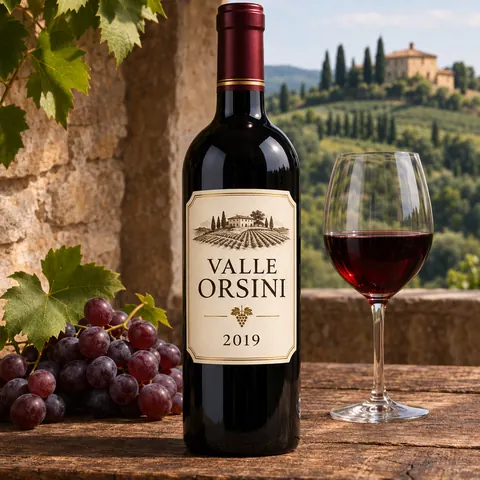
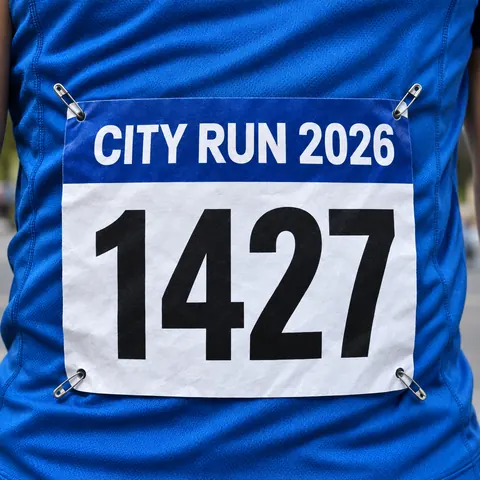
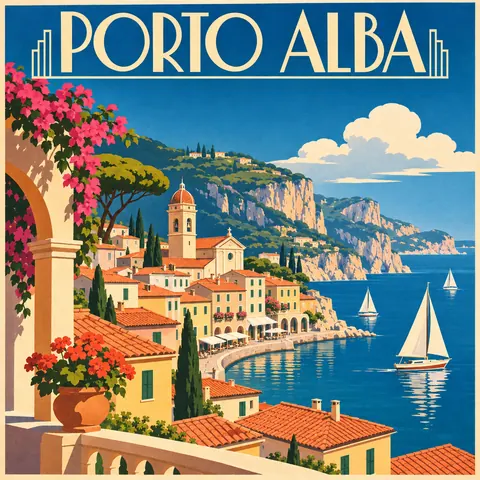
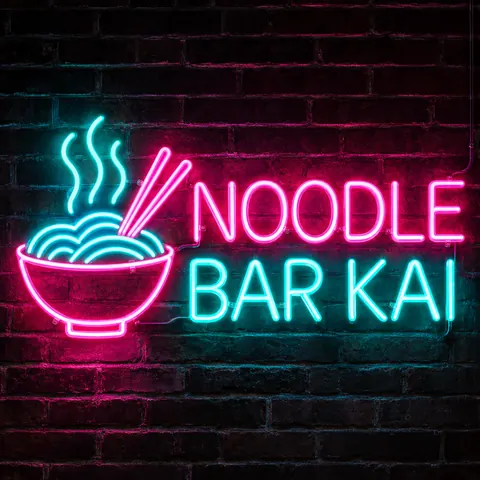
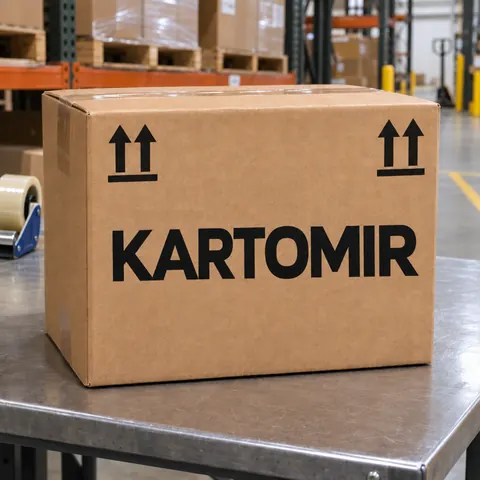
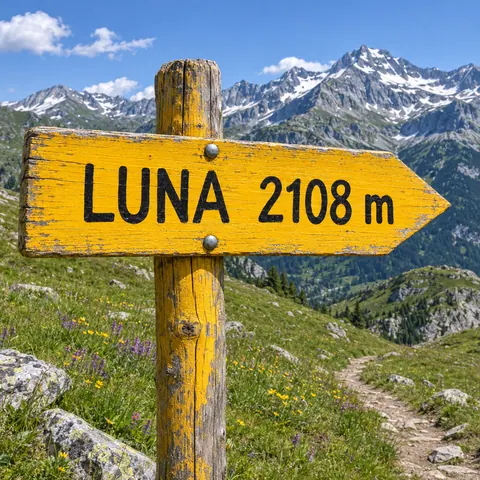
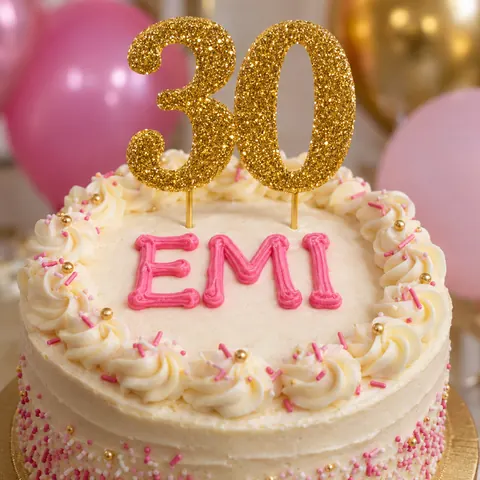
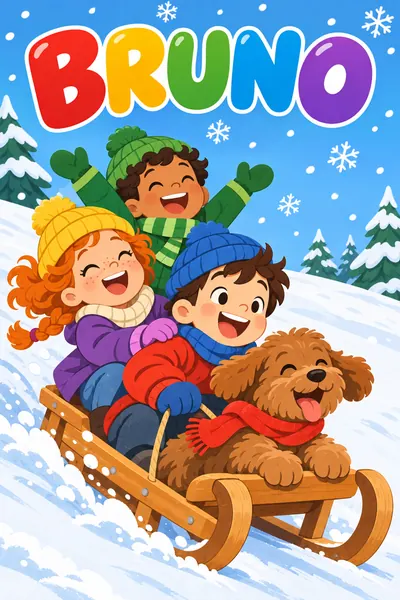
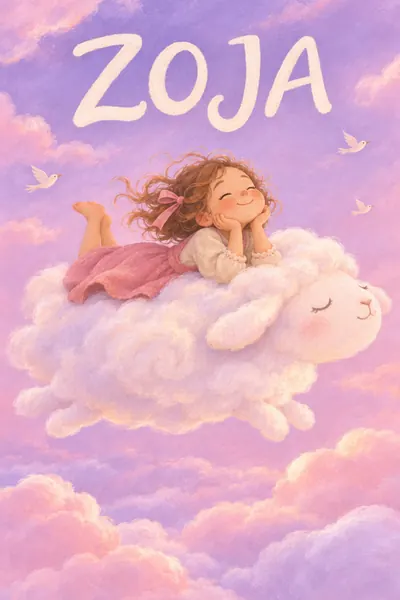
Text on images, spelled right

Describe your idea in one sentence. Download AI designs ready to post, print and sell.

Logos, product photos, kids' books and prints, all from one browser tab

Full access, unlimited projects, one payment

Pay once. Keep access for good.

Unlock full access

30-day money-back guarantee

  • Commercial license
  • Access right away
  • Projects without a cap
  • Runs in your browser onmacOS
  • Runs in your browser onWindows
  • Runs in your browser onChromeOS

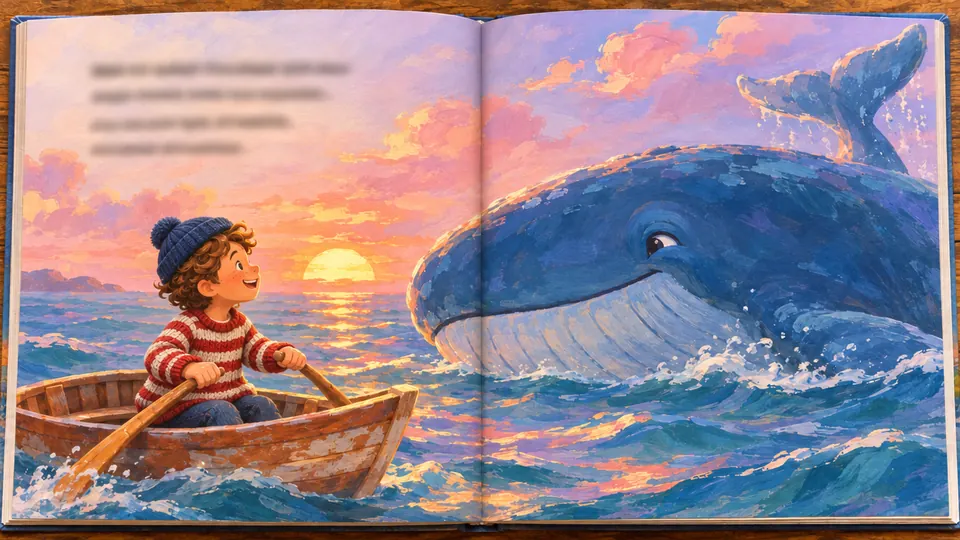
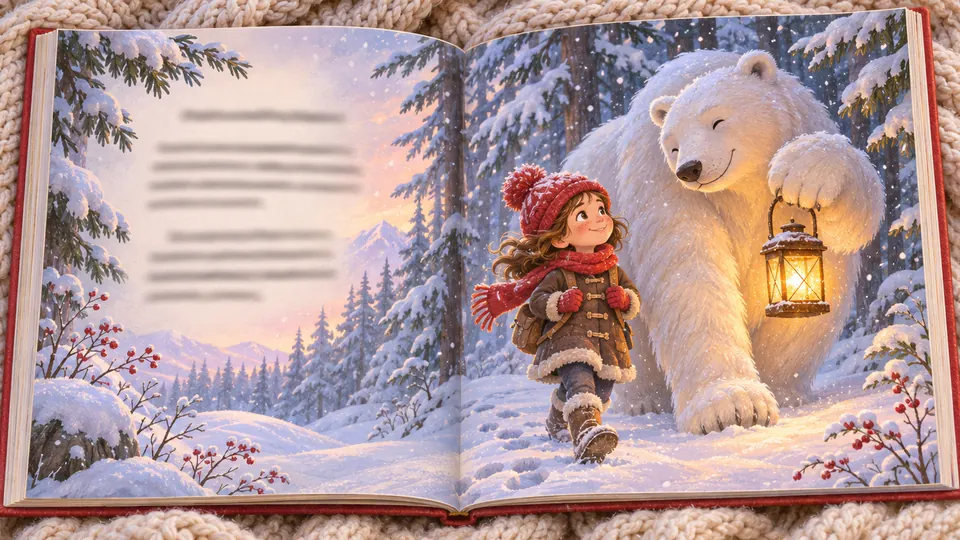
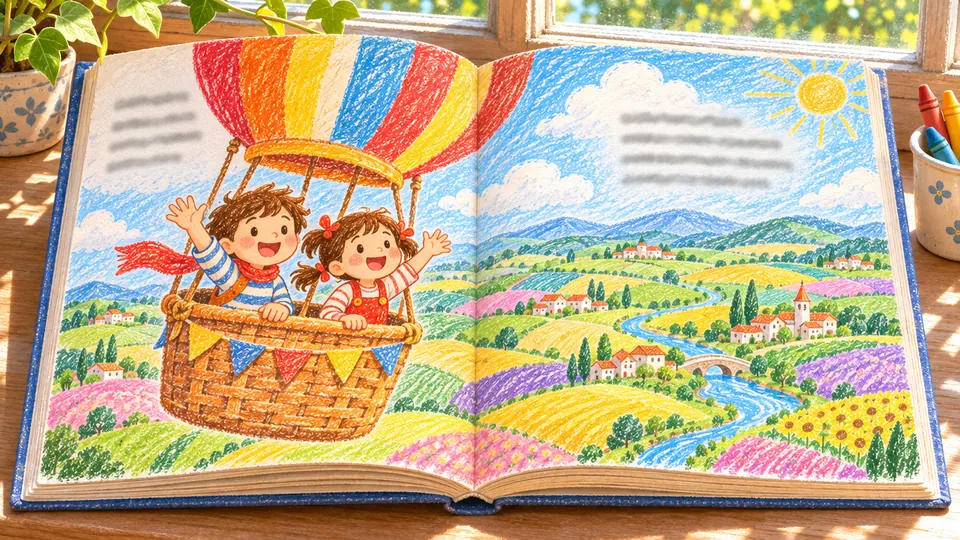
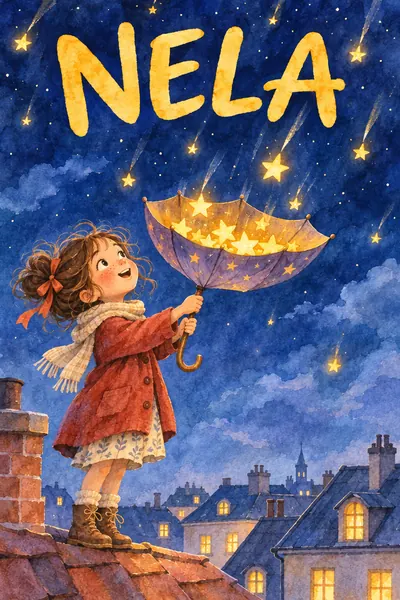
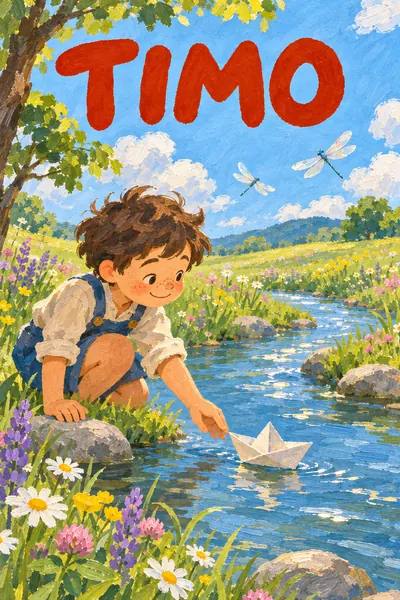
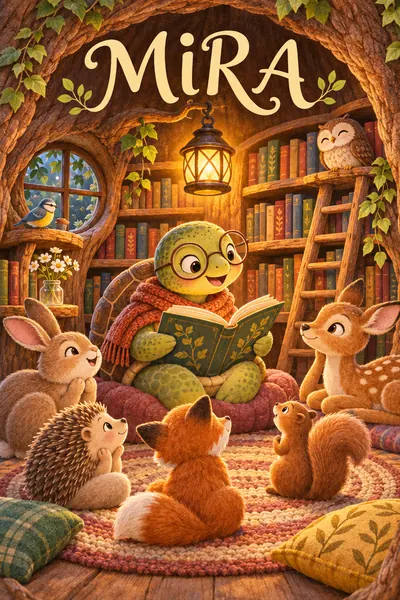
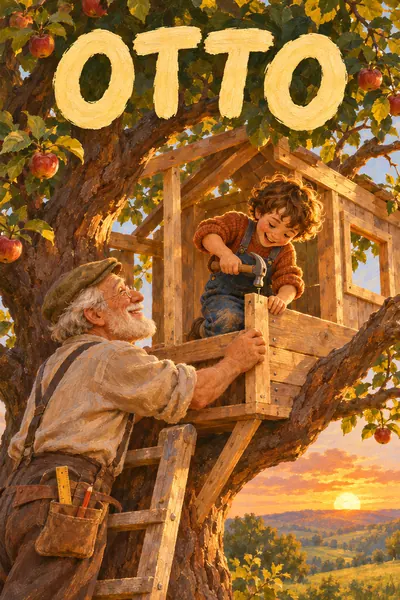
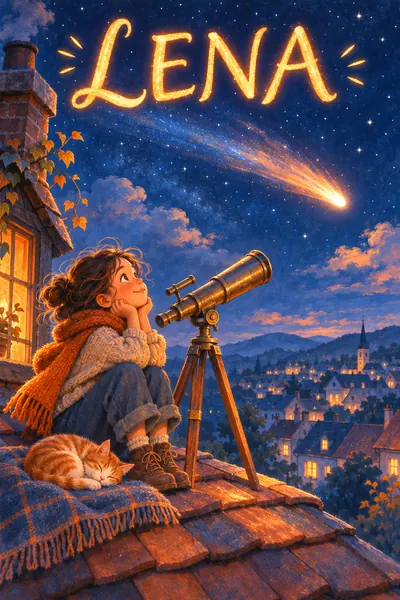
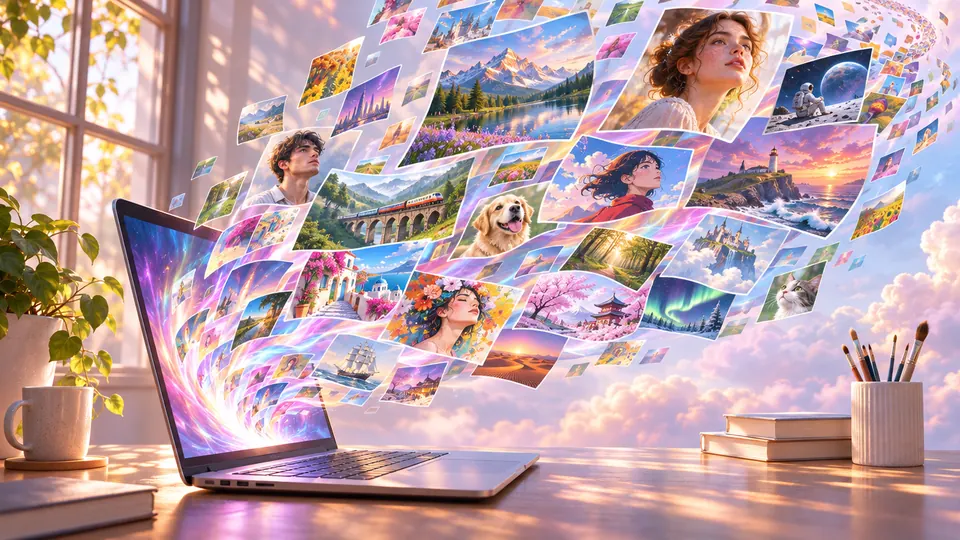
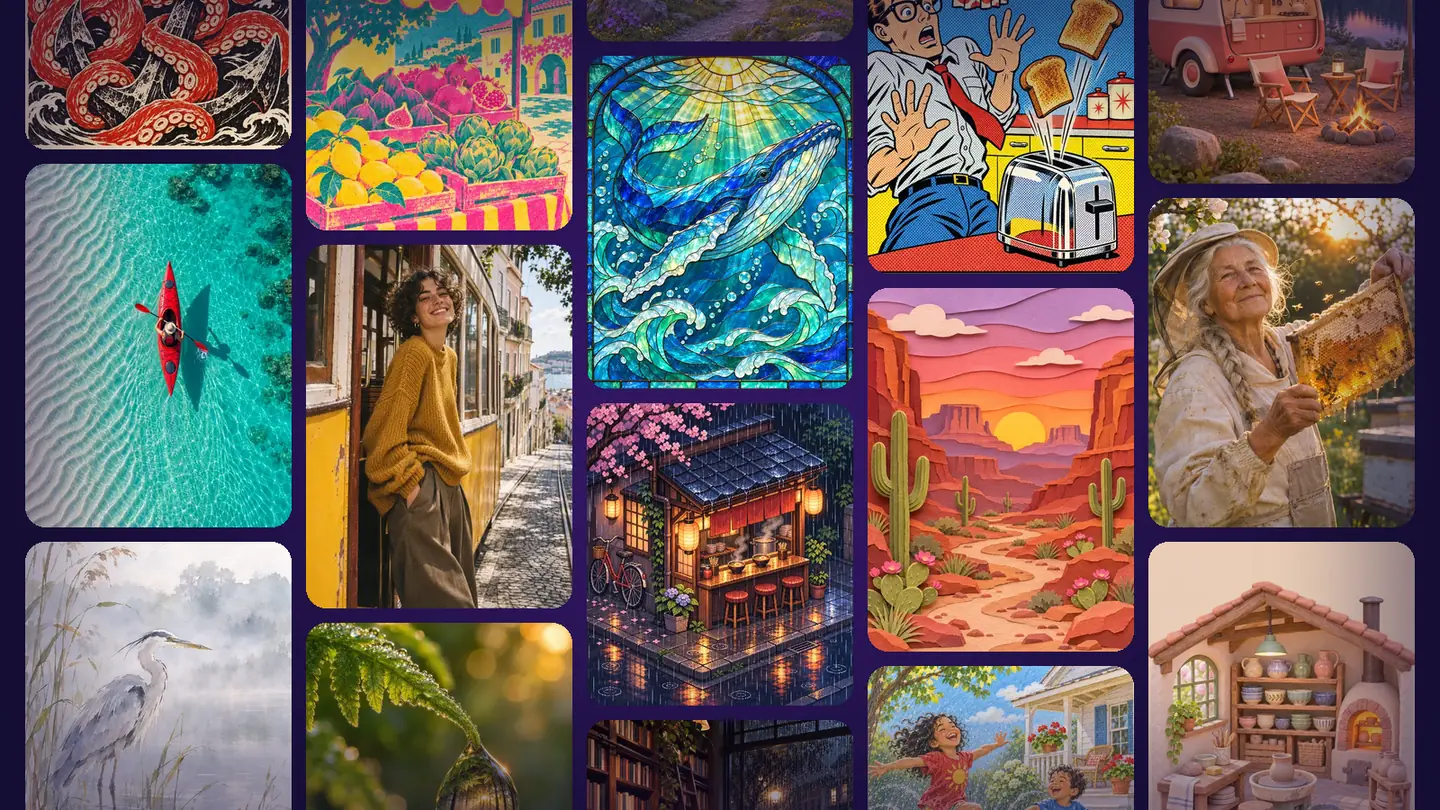
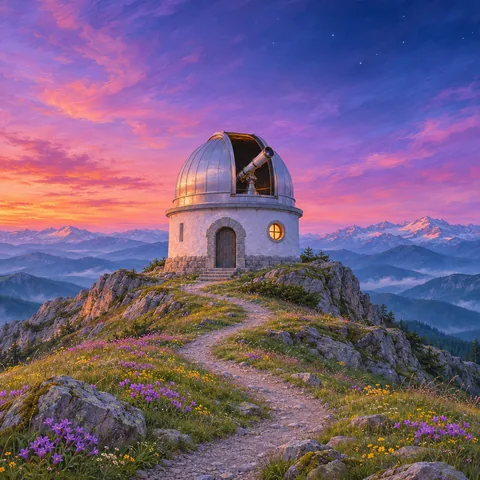
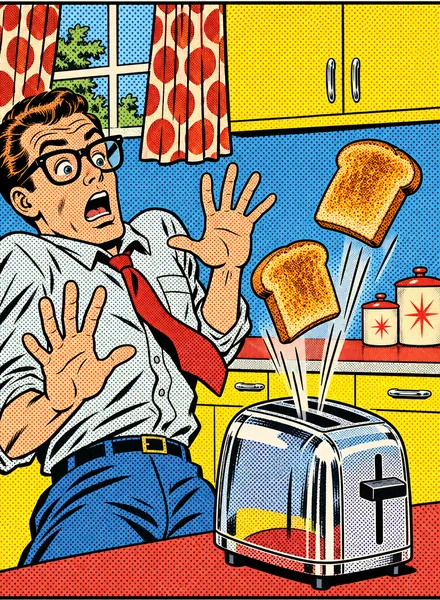
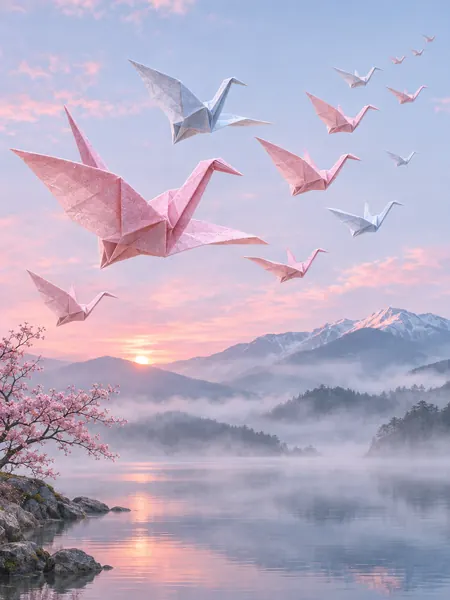
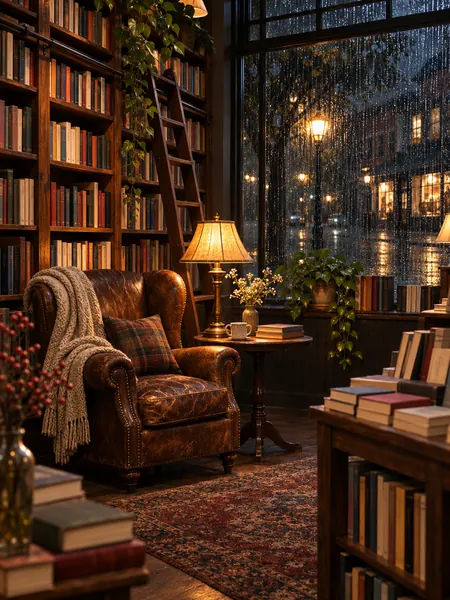
Every image started as a sentence

Browse the row and picture your own idea in it

Simple, right in your browser

Three moves, done

Typing is the only skill

  1. Step 1

    Put your idea into words

    A keyword or a sentence in your language. Extend Prompt adds detail.

  2. Step 2

    Set the style and format

    Choose a category; tune style, light, color, composition and ratio.

  3. Step 3

    Download or refine

    Generate, then download it or polish it in the Visual Editor.

Create, retouch, sell, build characters, publish kids' books and print merch

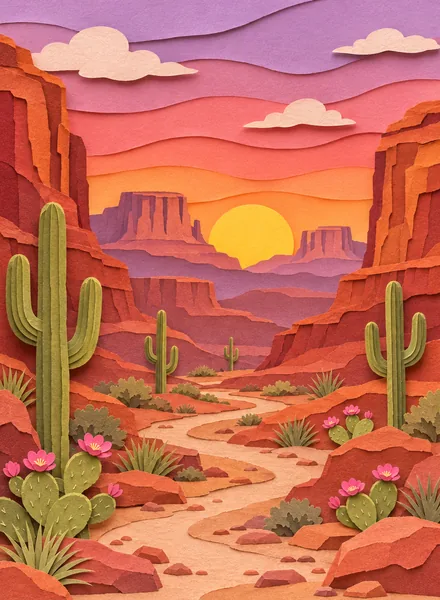
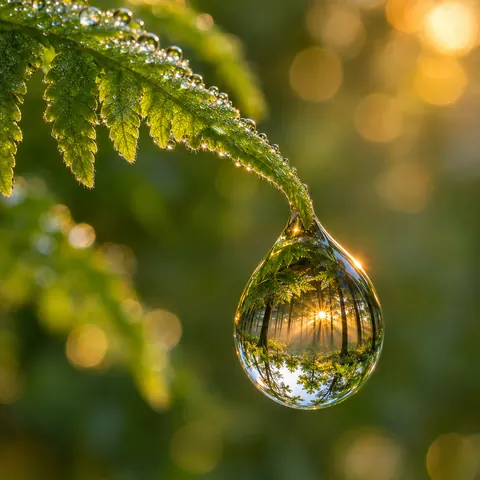
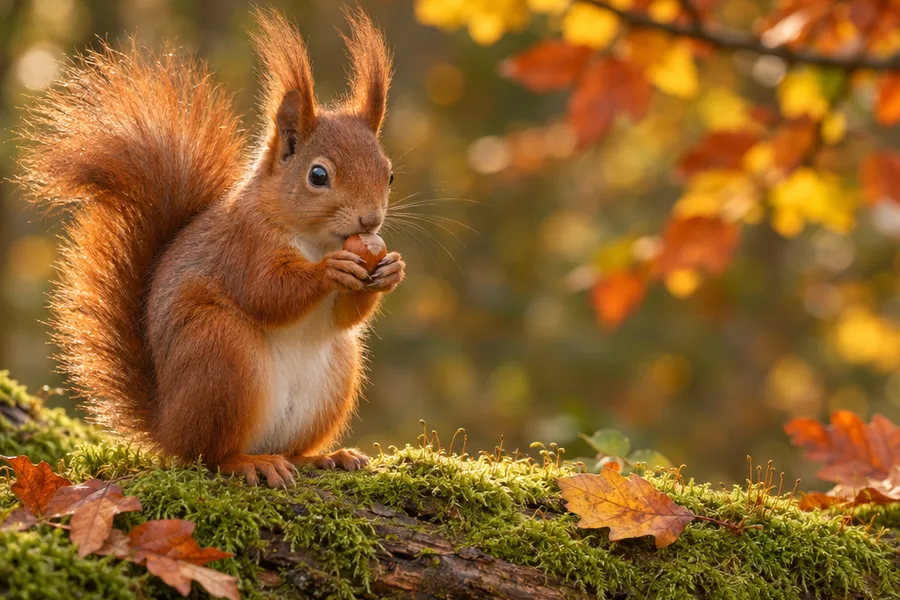
PromptA squirrel on a moss-covered log holds a hazelnut in its paws, golden leaves behind it in the autumn sun

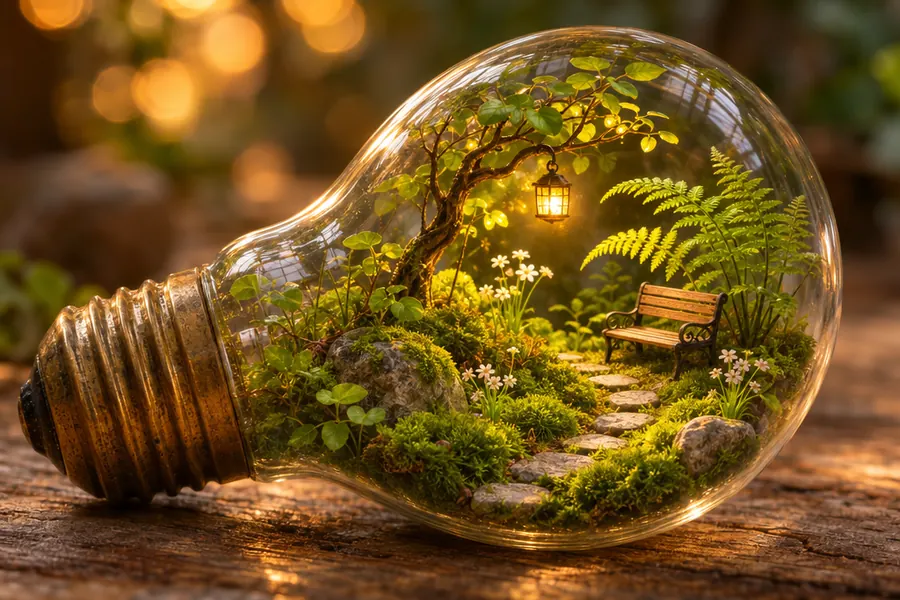
PromptA tiny garden inside a light bulb on weathered wood, with a little tree, a lantern, a bench and a stone path

Image Generator: say it, see it

Write it the way you'd say it, in your own language

Photoreal scenes, logos and T-shirt art come out ready for your site, posts and products. Extend Prompt adds detail; you choose mood, palette and ratio.
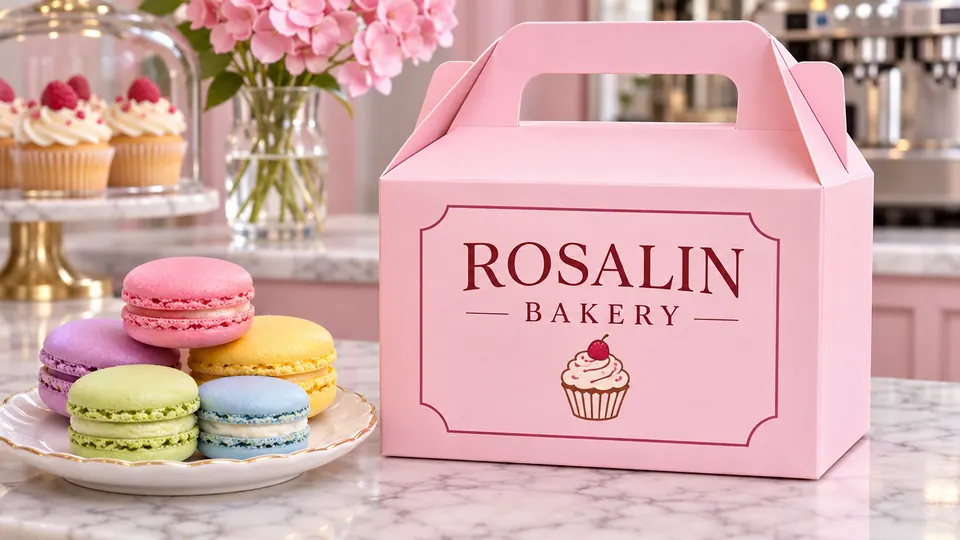
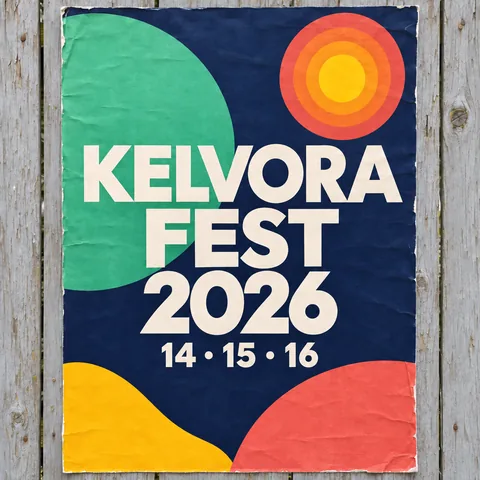
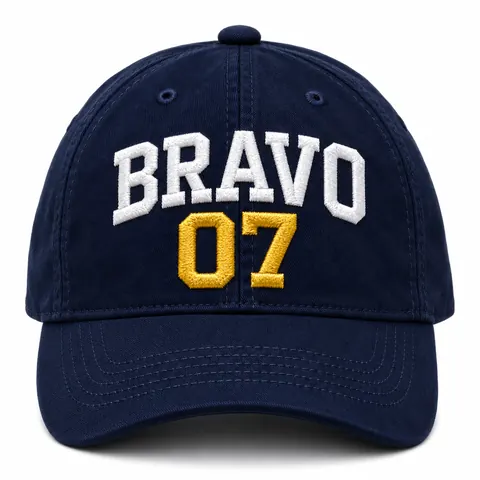
Pink bakery box with clean, correct lettering

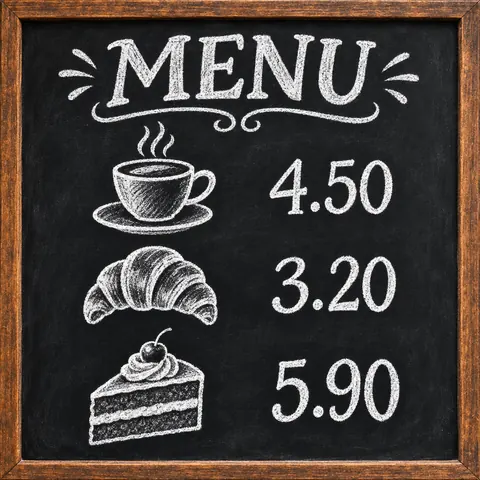
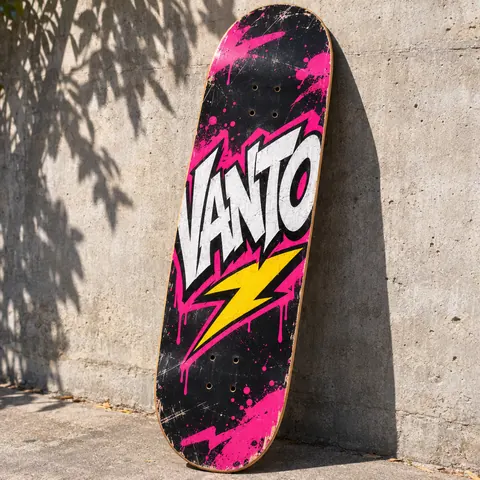
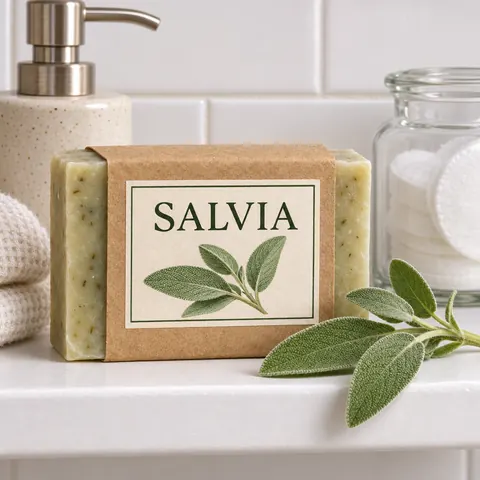
Typo-Free Lettering on any design

AI image tools often garble letters, and accents are the first to go.
Here, put the words in quotes and they land on the design letter for letter: quoted text is spelled out for the model character by character, words with accents go to a model built for lettering, and Text Replacement fixes any slip.
Posters, cards, logos with your name, T-shirts, posts and merch, with accents like é, ü or ł intact.

Sixteen designs,
not a single typo

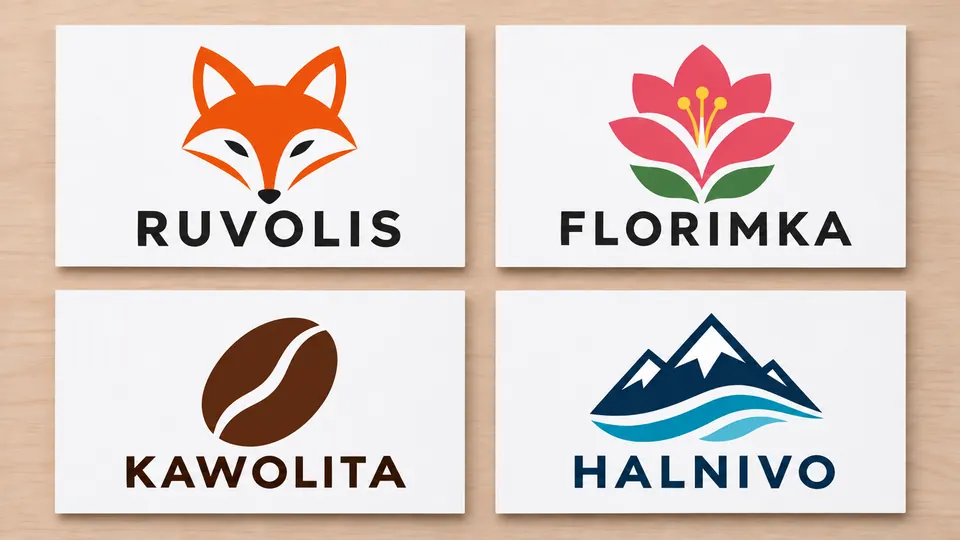
Four sample logos on white cards

Logo Design in minutes

Starting a business, a shop or a channel and still without a logo?

Describe what you do in one line. You get clean, minimal marks with the name spelled right; try several and keep the best.

Fine-tune colors, text and shapes in the Visual Editor, then preview the logo on merch.

Export it for your storefront, packaging and business cards the same afternoon.

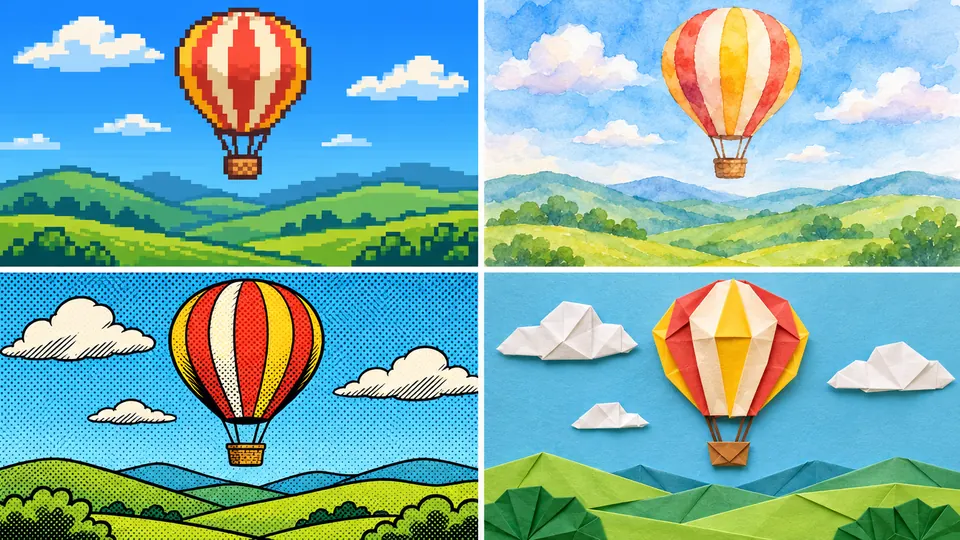
One hot-air balloon painted in four styles

Illustration Styles

Every scene you describe can be drawn in any of more than 80 styles. Each style has a preview thumbnail, and you can filter, sort and star your favorites, so the right one is always close at hand.

Keep one style across a whole project and every page, post and product image looks like the work of the same artist: watercolor for a bedtime story, 8-bit pixels for a gaming channel, linocut for a craft label.

Some of the names in the style picker:
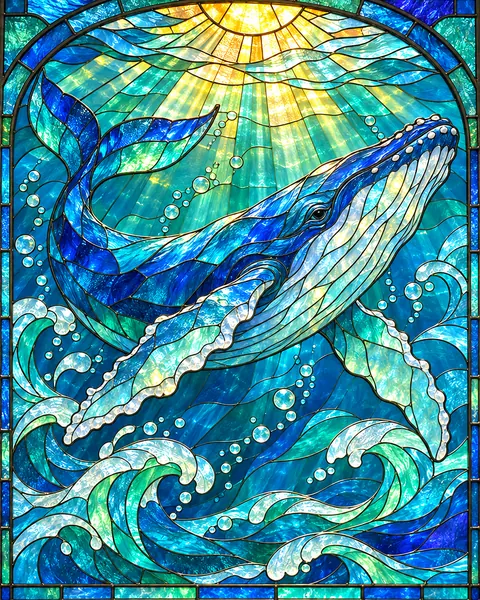
Picture Book, Modern Picture Book, Soft Digital Pastel, Folk Naive Acrylic, Watercolor, Countryside Watercolor, Classic Oil Painting, Loose Pencil Sketch, Minimal Graphite, Quirky Single Line, Comic Book, Black-and-White Manga, Chibi, Plasticine, Linocut Print, Layered Paper Cut-Out, Tissue Paper Collage, Stained Glass, Hand-Knitted, Grainy Vector, 8-Bit Pixels, Cinematic Game Art, Tiny Diorama, Steampunk Notebook and many more.

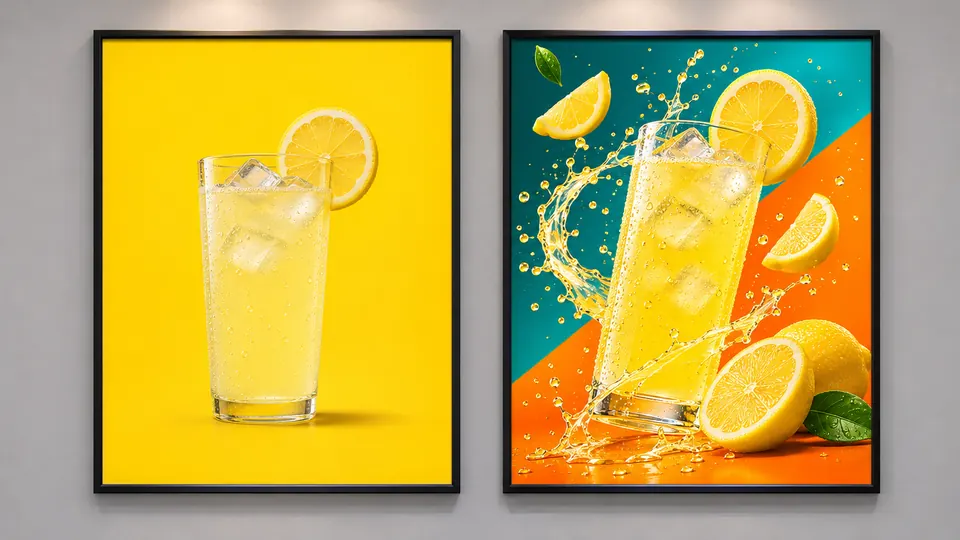
Plain lemonade poster and its bold new take

Design from Inspiration, your own version

Saw a layout that works? Let it inspire a design that starts from your own product.

Pick the image from your computer or from the editor. AI describes it in detail, you note what should change (product, colors, headline, mood), and a fresh image is generated. The original is never edited: it's inspiration, not a copy.

A flat lemonade poster can come back with a new layout, brighter colors and your bottle in the hero spot.

Set the aspect ratio before generating, so the result fits the slot you planned for it.

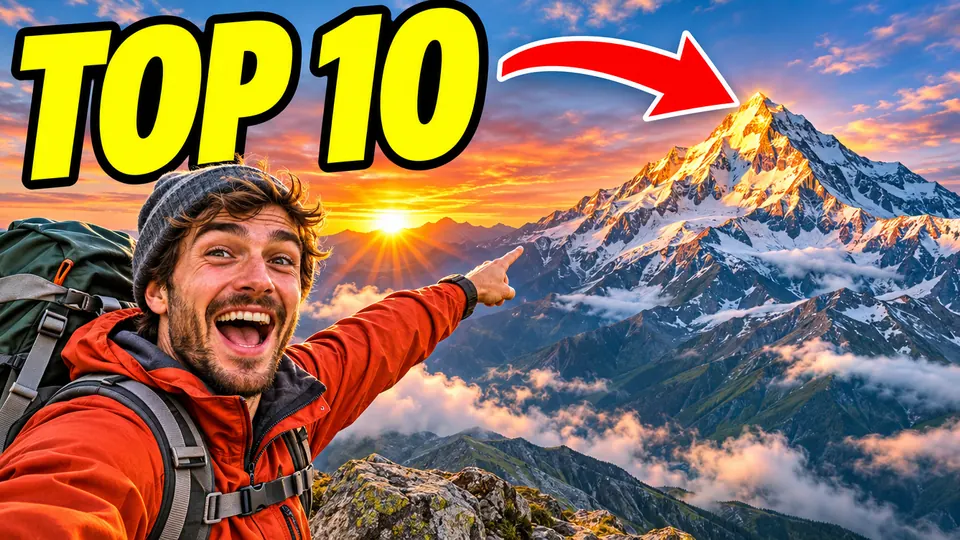
Sample thumbnail of a hiker and a snowy peak

Video Thumbnails that pop

Paste a video link and get an original take on its current thumbnail, or describe what your video is about and get one key scene that sums it up. Pick a category such as funny, retro, kids or fitness, add an optional title in clean lettering and get several versions; keep the one you would click yourself.

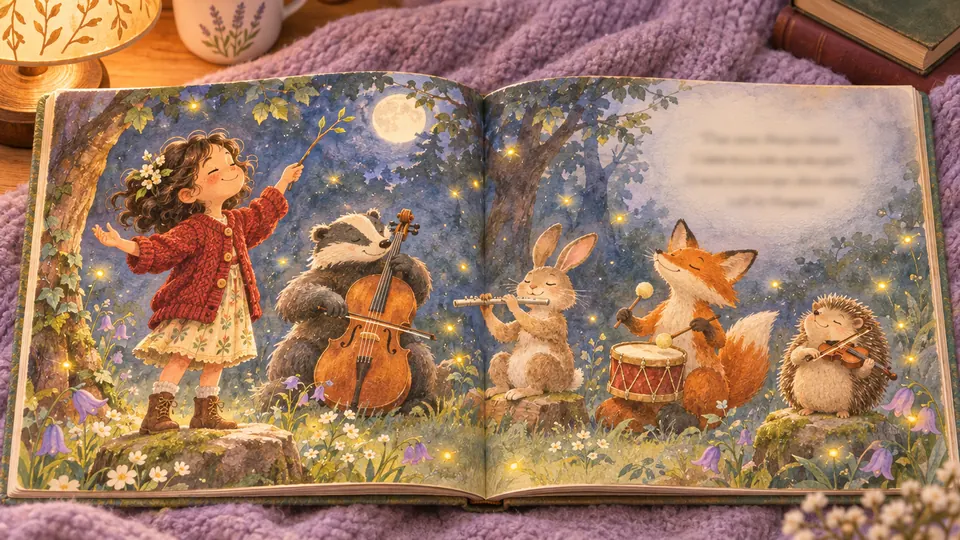
Sample pages of a book starring a child

Picture Books About Your Child: a story of their own

Imagine your child's face when they find themselves on every page. Picture Books About Your Child make that happen with one photo and a name.

The app writes the story around that name and draws your child into every illustration. Prefer something gentler? Choose an A-to-Z alphabet book built from their photo or a calm bedtime story that uses their name.

Read it as a flipbook, download a PDF and print a copy for birthdays, holidays and grandparents.

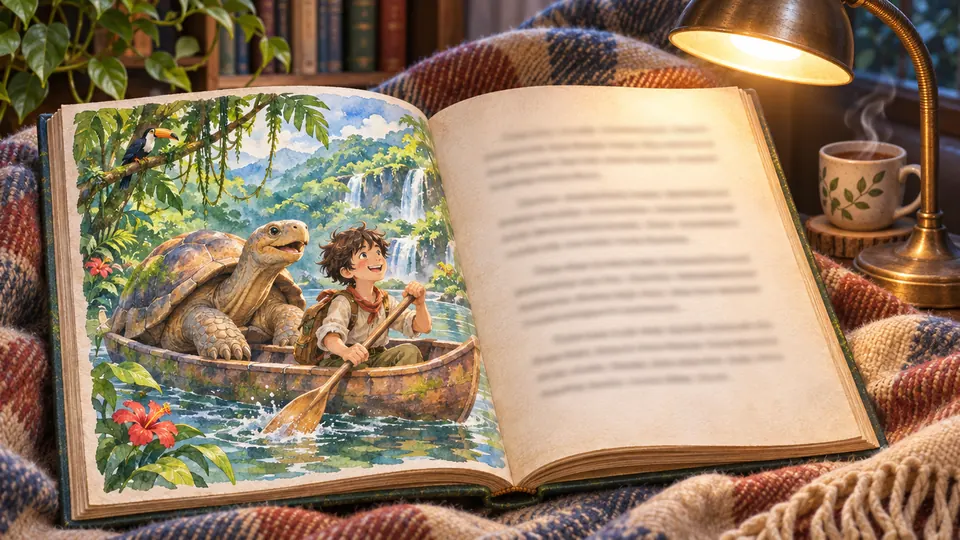
Picture book: a boy and a tortoise canoeing

Story Book from One Sentence, fully illustrated

“A tortoise who was afraid of water” is enough to start.

AI turns that line into a story, breaks it into pages and paints a picture for each. The pages go straight into a flipbook, a PDF or files for print, and the commercial license lets you sell the books you make.

Then tune it to the reader: simple wording for ages 3 to 6, less text and fuller artwork for older kids, or a version that keeps one hero identical on every page, in the illustration style and language you pick.

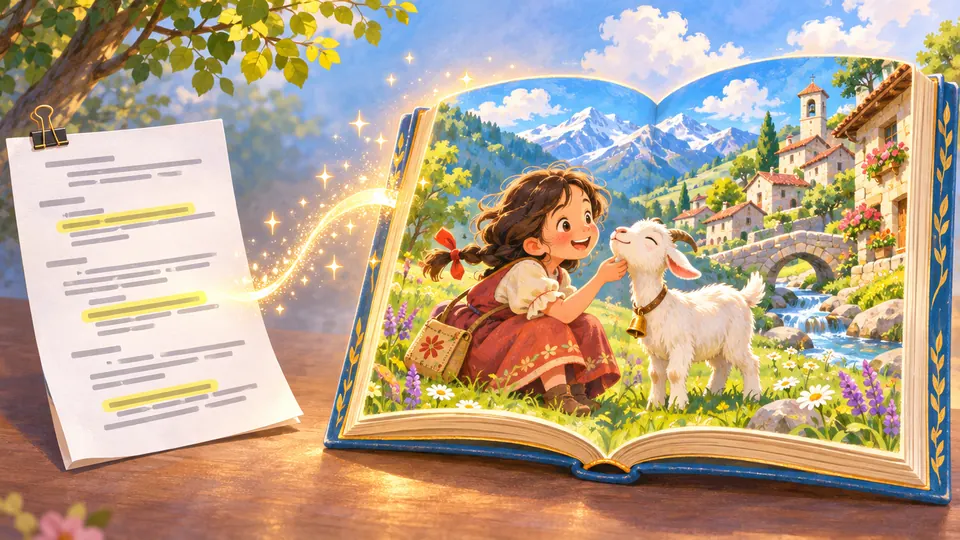
Manuscript turning into an illustrated book

Illustrate Your Story

Already wrote the story? Paste your text or script and every word stays exactly as you wrote it. The app splits it into pages and illustrates each one, and you can add up to two of your own characters to appear throughout. Want more dramatic layouts? Switch to the version with richer page composition.

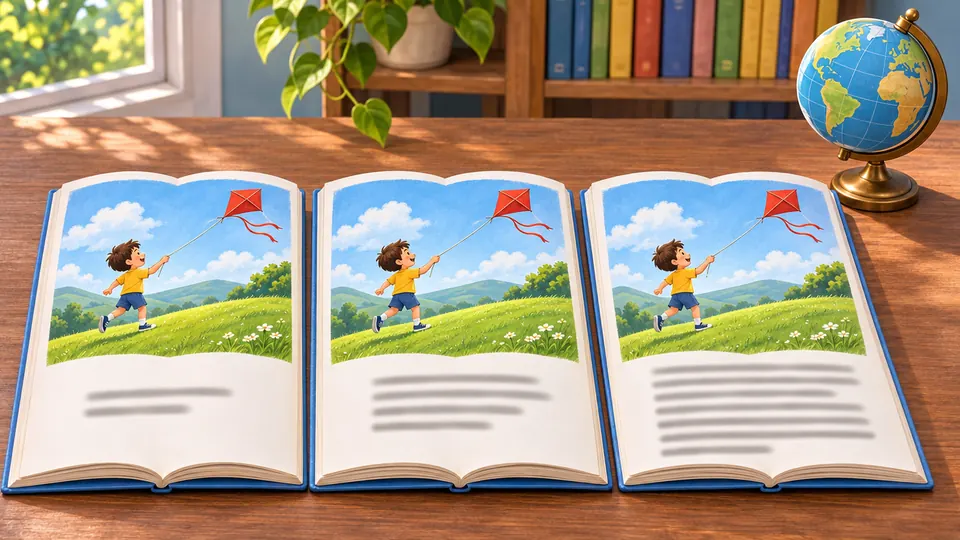
One picture book open in three languages

New

Books in Many Languages, 40 to choose from

Book Studio now covers 40 languages, up from 21. Create a story in English, Spanish, French, German, Italian, Polish, Czech, Ukrainian and many more, and when you turn it into a flipbook, have the text translated into any of the other 39. From one story, build a Ukrainian flipbook for cousins in Kyiv and a German one for a class in Berlin.

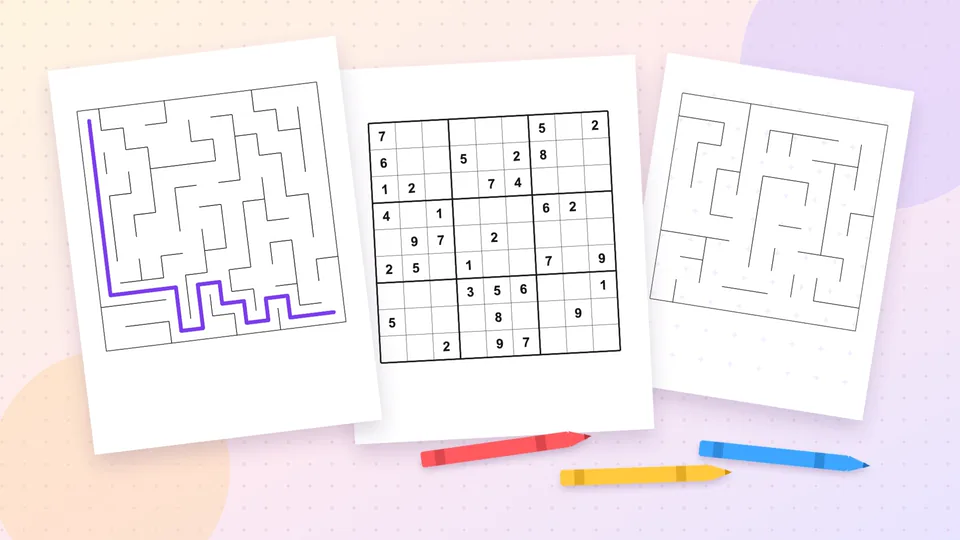
Sample kids' puzzle and activity pages

Puzzles & Activity Books for kids

Mazes, word searches, sudoku, crosswords, complete-the-word and spelling drills, logic and picture puzzles, or a full activity book. Choose the language and a decorative border, then print the pages. A teacher gets tomorrow's lesson material, a parent a rainy-day activity, a workbook seller a new product.

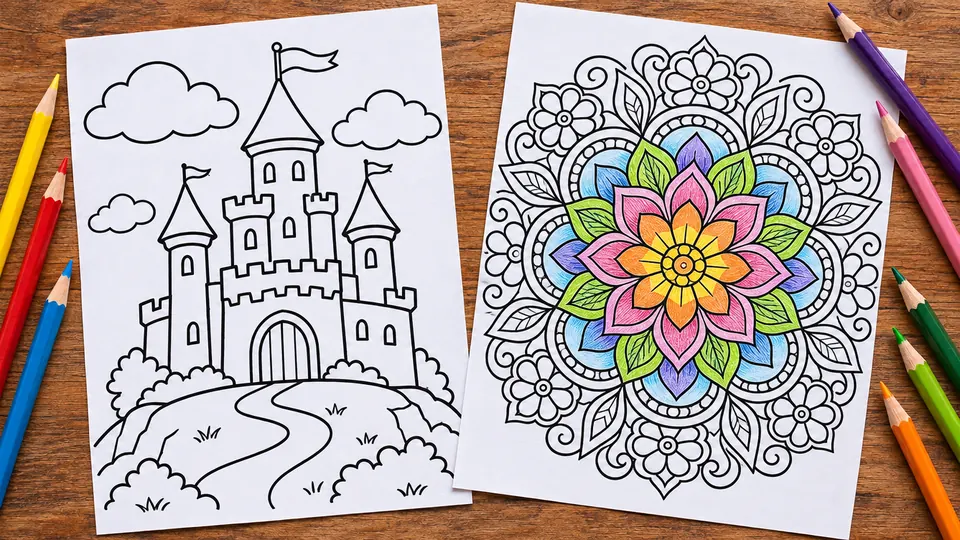
Castle and mandala coloring pages, pencils

Coloring Pages from Text, simple or detailed

Type a scene, for example “a castle on a hill,” and the page is ready to print.

Expect bold black outlines, simple closed shapes and a clean white background, kept easy for little hands or packed with detail for grown-ups. Whole coloring books with a title, theme and page count are made in Book Studio (Premium).

Make a themed set for a birthday table, a road-trip folder or a printable bundle in your shop.

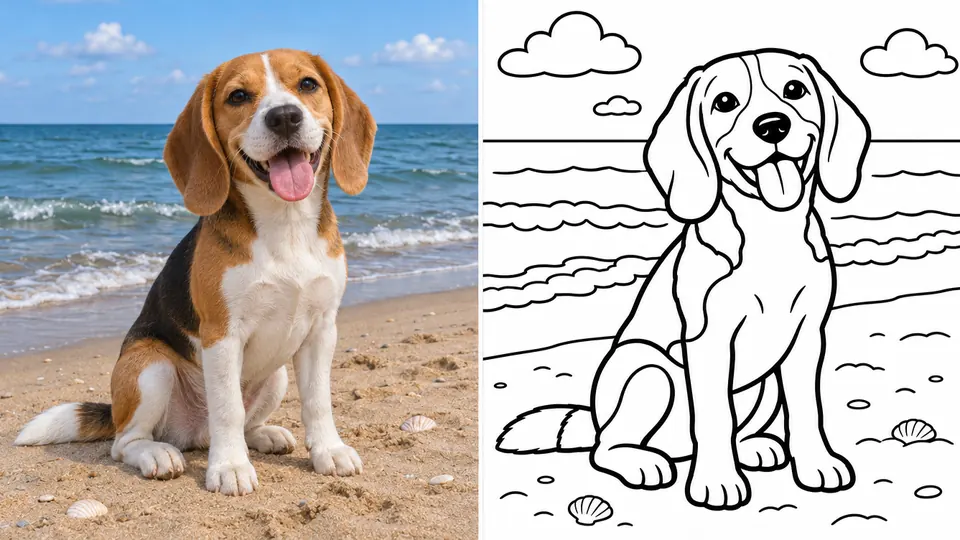
Beagle photo turned into a coloring page

Photo Coloring Sheets

A bike, a birthday cake, the view from a cabin window: any snapshot can become a page to color.

Upload the photo and get back bold, smooth outlines with wide areas to fill and the busy background reduced to a few big shapes, ready to print at home.

Kids color their own bike and their own cake, so they stay at the table longer. Put several photos into one coloring booklet, one per page, or sell the sheets as printables.

Your camera roll just became an activity book.

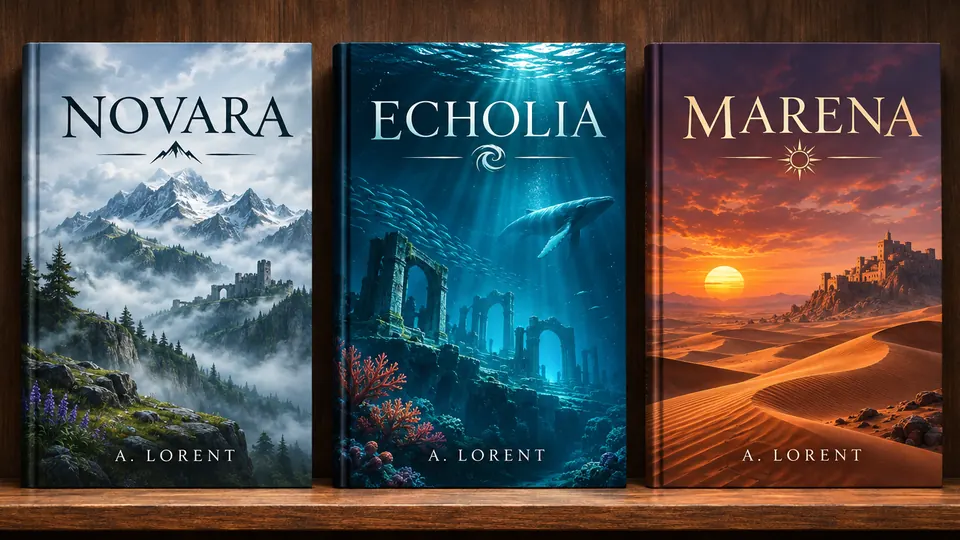
Three fantasy covers: peaks, sea, desert

Book Cover Design

Enter the title and the author's name, then a genre such as fantasy, sci-fi, romance, thriller, mystery, horror, children's, self-help, biography or cookbook, and describe the main motif and the colors you want. AI drafts a cover description you can edit, and the design comes back with the title and author already set, in the proportions you pick.

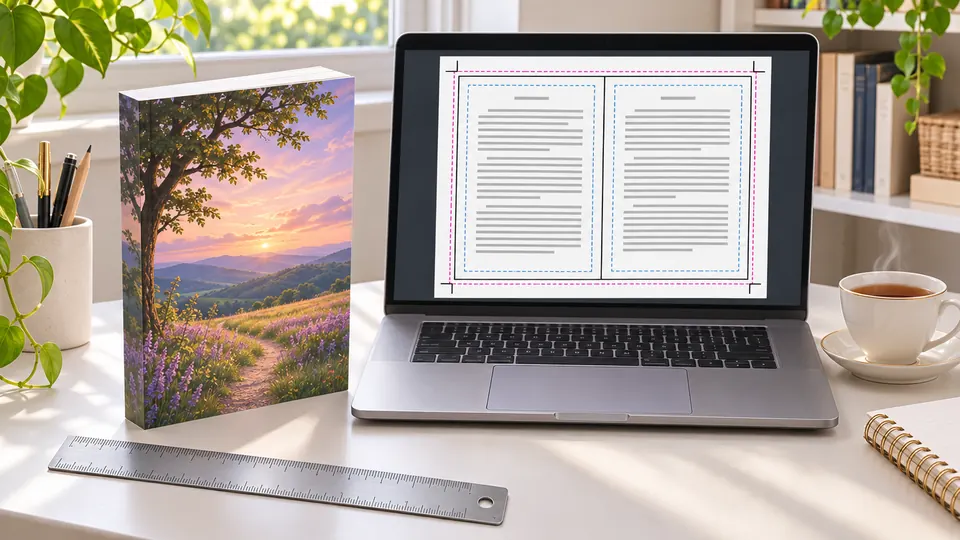
Printed book beside a laptop showing a spread

Print-Ready Book Export

Print sizes are the app's job: it sets 100% of them for you.

You build a flipbook from your images and text, with page templates, front and back covers and translation.

Then download a PDF, a pack of all images or Amazon KDP files: 1800×2700 px JPG at 300 DPI for a 6×9-inch book and an 8.25×11-inch manuscript with a 0.125-inch bleed, art reaching the trim and text kept in the safe zone.

All that's left is ordering a proof copy and holding your book.

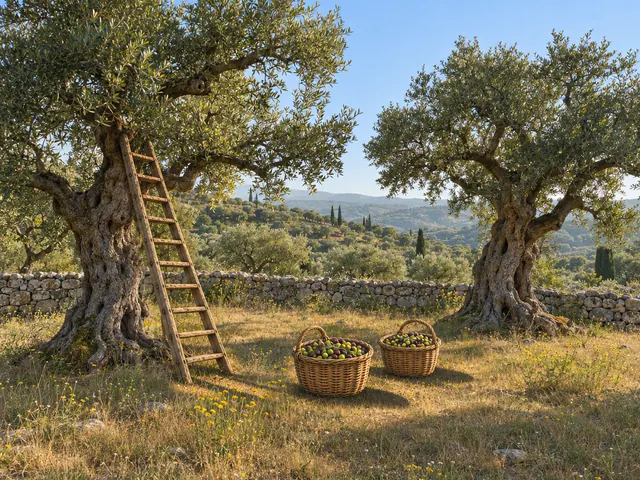
The same olive grove with a ladder and two baskets of olives
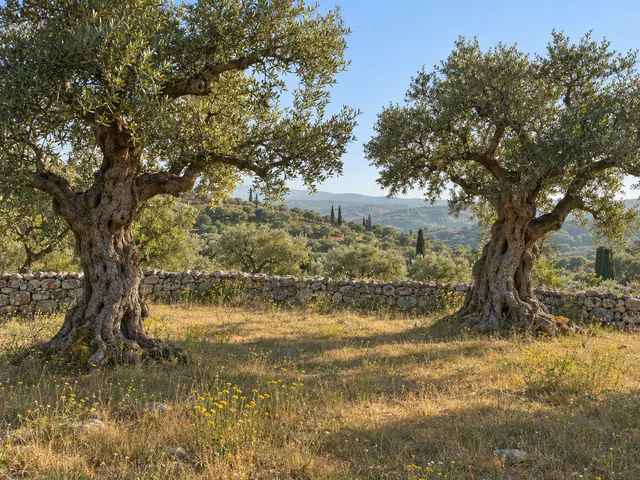
Olive grove with two old trees and a stone wall
ORIGINALEDITED
Add a wooden ladder and two baskets of freshly picked olivesReplace

Select & Replace

Change one part of a picture and leave the rest exactly as it was.

Brush over the area in the editor, then type what belongs there. AI paints only inside your selection and matches the light, perspective and style, on photos and illustrations alike.

Lean a ladder on the olive tree, put your logo on a plain mug, fill an empty shelf.

Precise where it counts, simple everywhere else.

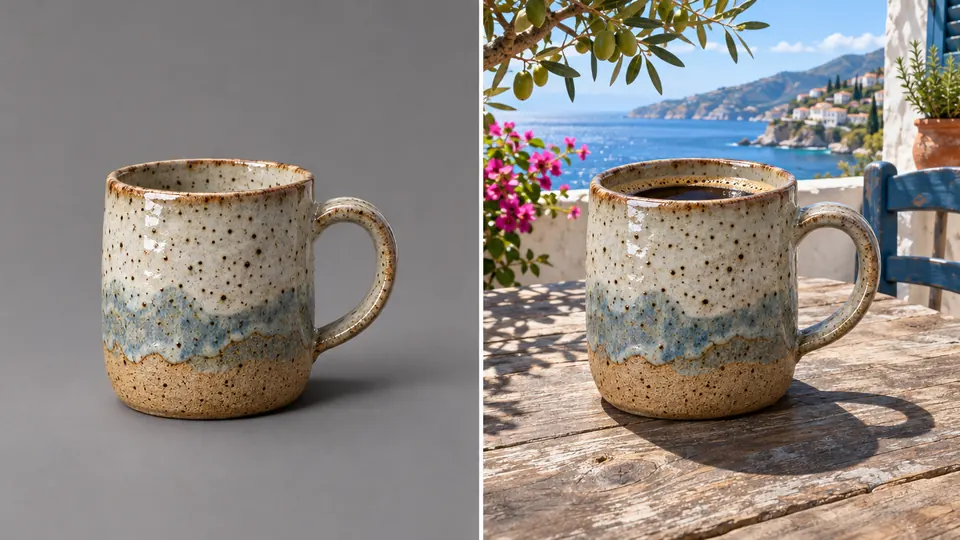
Ceramic mug moved from studio to sea terrace

New Background, no photo shoot

Your mug on a sunny sea terrace, your headshot in a quiet library, and no new photo session.

Select the image in the editor and describe the new setting, say “a marble counter at breakfast.”

AI matches the light, shadows and perspective, so the result looks photographed, not pasted. Have your own backdrop photo? Drop the subject onto it in one click.

Change the setting for each season, sale or product page.

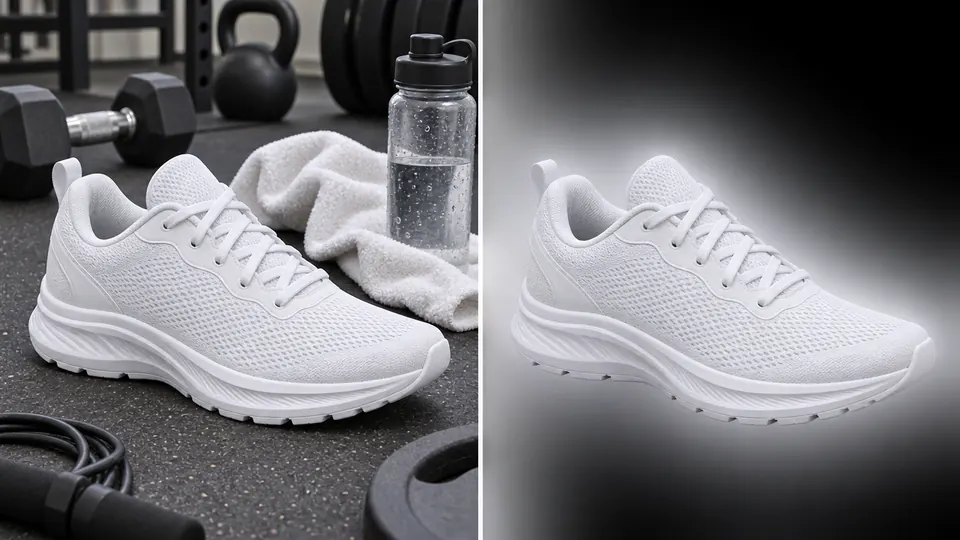
White sneaker cut out from a gym background

Remove Background
and keep only what matters

Sneaker shot in a messy gym? One click leaves just the shoe, with clean edges around the laces.

Leave it transparent for your product grid, or drop it on a fresh backdrop in the editor and add a price or a headline next to it.

Premium's Batch Processing clears the backgrounds of up to 25 product shots in one pass.

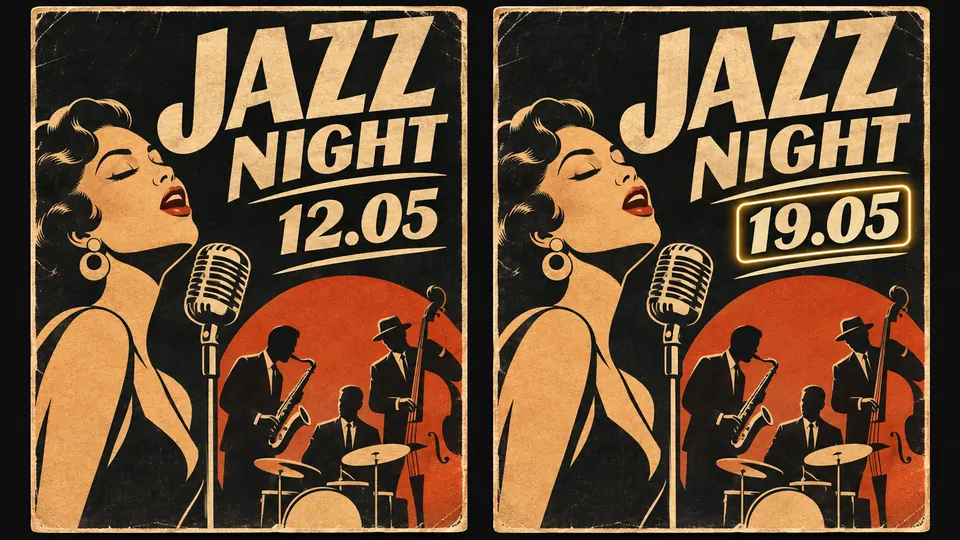
Concert poster: date 12.05 changed to 19.05

Text Replacement: change a word, keep the design

Not sure what an old graphic says? “Read text from image” shows the current lettering first.

Then upload the image or select it in the editor and type the exact new wording. AI swaps it in while the layout, typeface and colors stay as they were: a new date on the poster, a new price on the offer, a new line on the banner.

Accented letters come through correctly, so é, ü or ł stay where they belong.

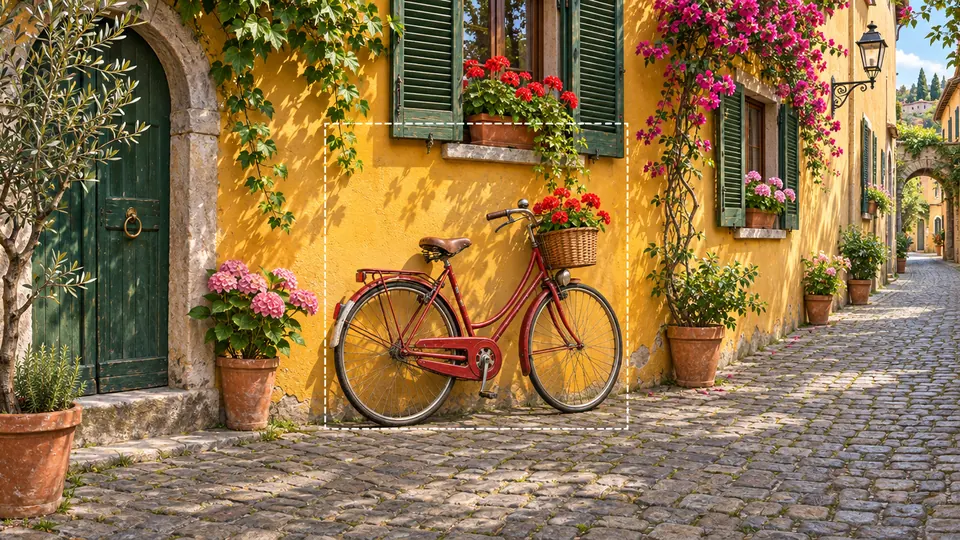
Red bicycle scene widened past its frame

Frame Extender, no cropping

Great shot, wrong shape? Or a subject cropped too tight?

Choose 1:1, 3:4, 4:3, 16:9 or 9:16 and AI paints in the missing edges, carrying on the scene and its light while your original stays untouched.

One image becomes a square post, a vertical story, a wide banner and a video thumbnail, each without cropping your subject.

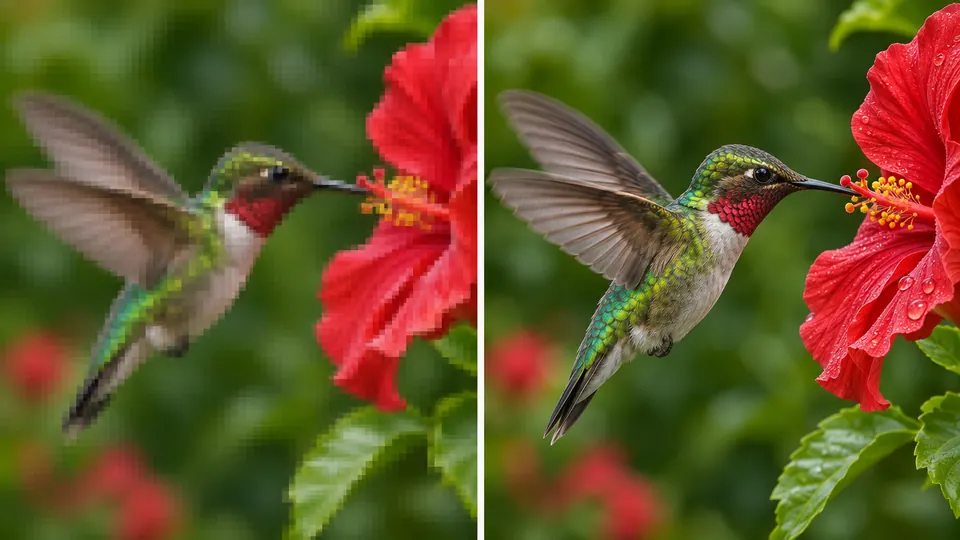
Pixelated hummingbird and its sharp upscale

Image Upscaling

Enlarge any image 2× with sharper detail, right in the editor. Premium adds 4×, a 300 DPI file for printing and batches of up to 25 images.

Ready for print, posters and large formats.

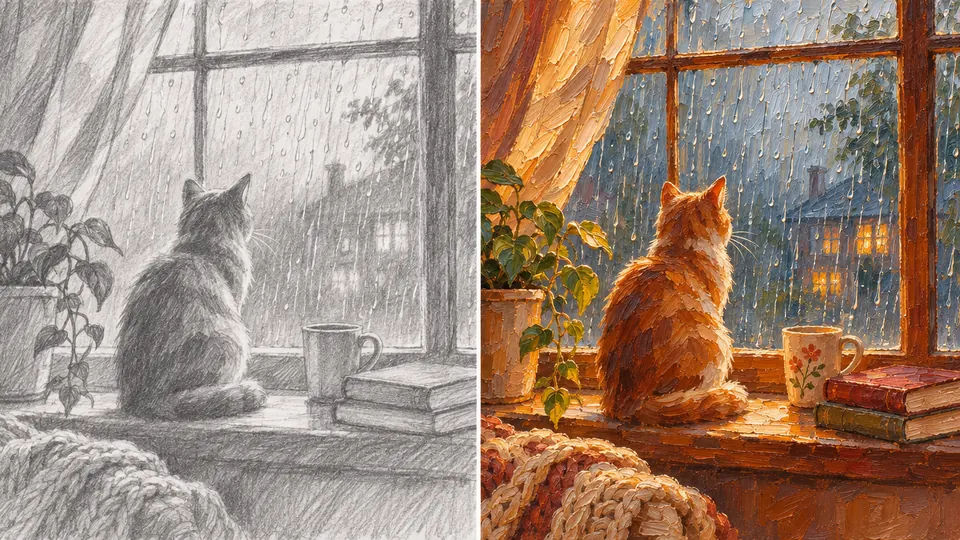
Pencil sketch of a cat at a window, repainted

Style Transfer in one go

Love the look of a vintage travel poster? Put that look on your own image.

Select your picture in the editor and point to a reference. AI redraws your subject with the reference's technique, palette, line work, texture and light, while the subject, pose and composition stay yours. No reference handy? Pick one of 18 ready-made styles.

Useful when a client wants a whole campaign in one hand-painted look, or when your shop's illustrations should match.

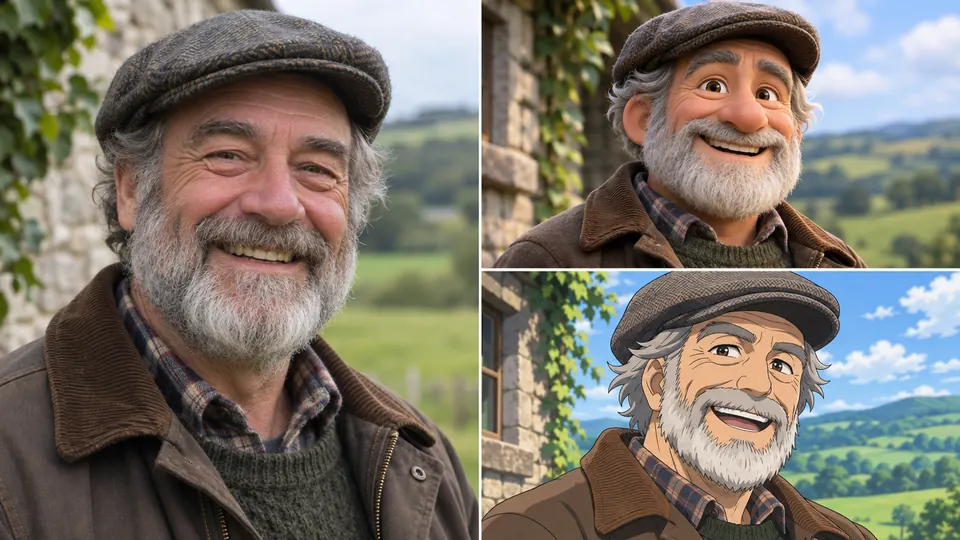
Photo of a man in a flat cap, cartoon, sketch

Photo in a New Style

The man in the flat cap pictured here is one photo, redrawn in 3D and as a drawing, and you know him at a glance in both.

Choose from 18 styles, among them clay, comic, manga, pixel art, low poly, origami, pop art, line art and vector. Want a look that isn't listed? Person in a New Style takes your own words, such as “watercolor” or “charcoal,” and Pet in a New Style has 10 looks for animals.

Face, hair and clothing stay recognizable in every version: put Grandpa in clay on his birthday card and he is still Grandpa.

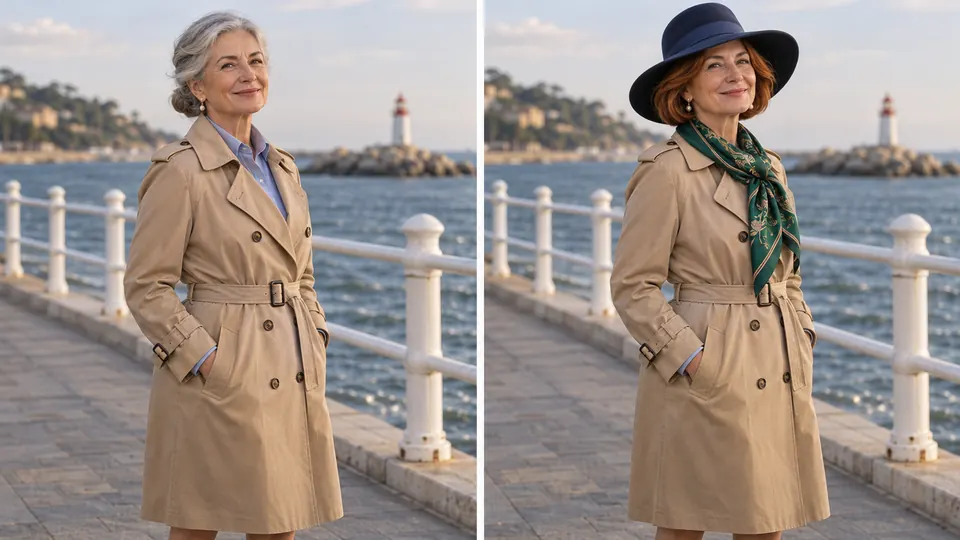
Woman by the sea gains a hat and a scarf

Edit by Description: just ask

Add a hat and a scarf, switch the hair color, brighten a dull shot, remove a stray object or bring color back to an old black-and-white photo.

Upload the picture, write one sentence, and AI changes only what you asked for. Handy presets cover coloring, object removal and colorizing.

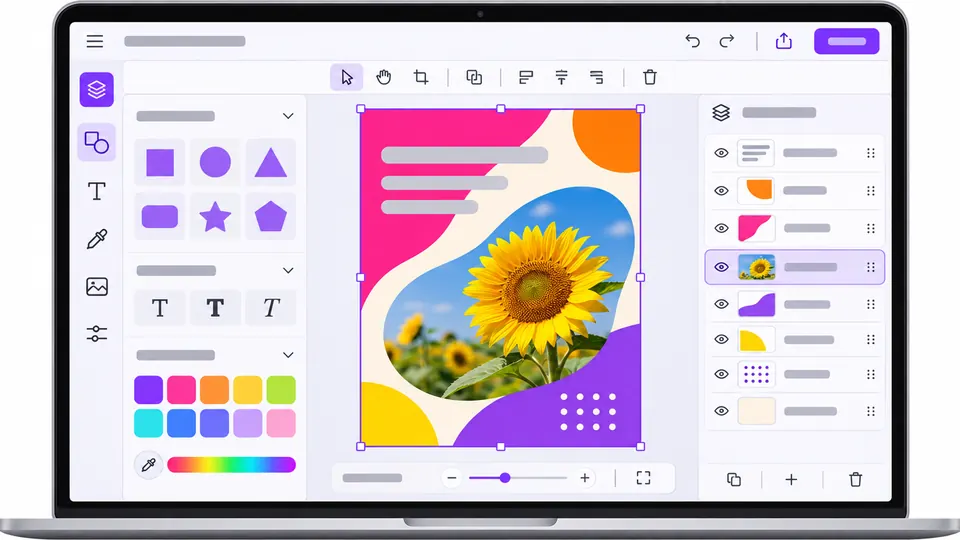
Editor with layers and a sunflower poster

Visual Editor

Polish your image and lay out the finished project in one place.

Work in layers with text, shapes, a brush, filters, cropping and alignment, undo any step, and run AI tools right inside the editor. Start from 56 templates for social posts, thumbnails, hiring posts, online courses, restaurants, beauty, fitness and sales, or save your own.

Export to PNG, JPG, WEBP or PDF, ready to upload online or send to a print shop.

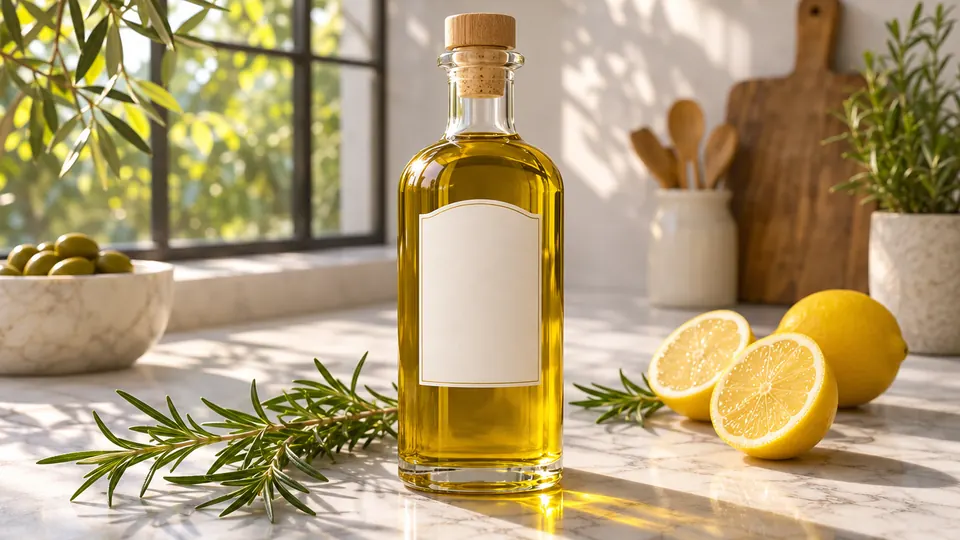
Olive oil bottle with lemons and rosemary

Product Scene Photos

One plain packshot, as many settings as your catalog needs.

Upload a photo of a single product and type the scene, for example “olive oil beside lemons and rosemary in morning light” or “a candle on a bathroom shelf.” Only the surroundings change: the product keeps its shape, color, label and proportions, and the light and shadow are matched to the new scene.

Refresh your listings for every season, sale or new collection without reshooting the product.

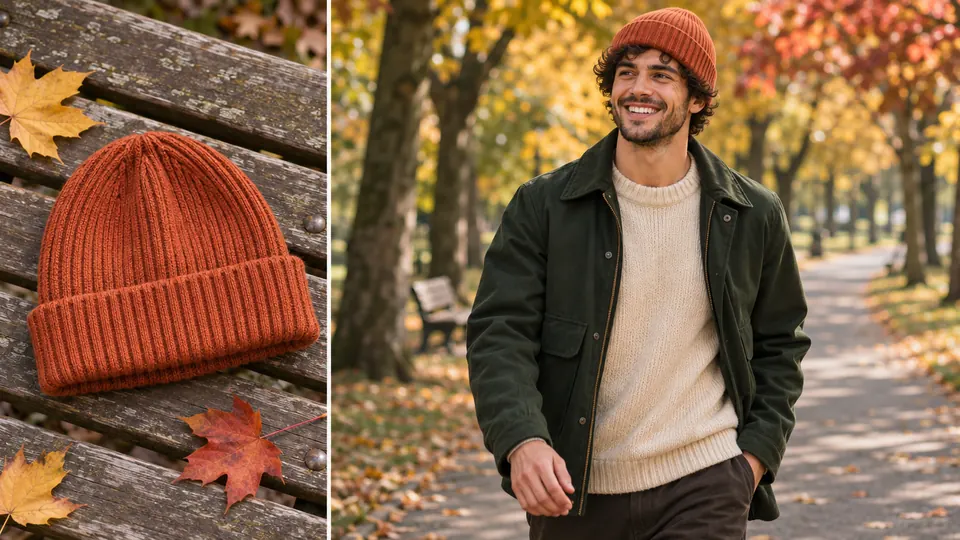
Cap on a bench, then worn in an autumn park

Product on a Model

A necklace, a watch or a pair of glasses looks different on a person than on a white background, and buyers want to see that.

Upload the product photo, pick a ready model for that category (necklaces, earrings, headwear, watches and bracelets, glasses, lashes) or bring your own model photo, then add a line about the look. If placement matters, mark the exact spot.

Shape, material, colors and print stay as they are, so the photo shows the product your customer will actually get.

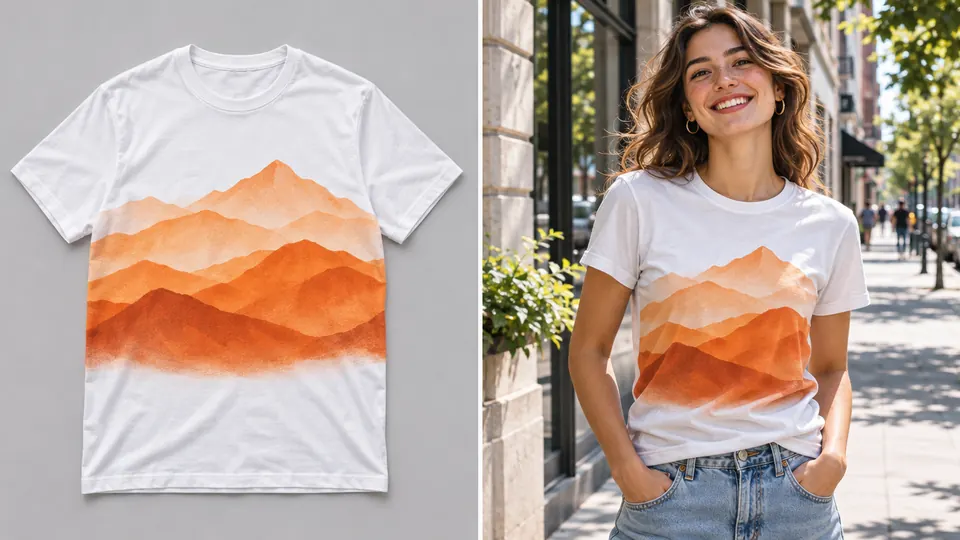
White tee with orange peaks, worn in town

Your Design on a Model

See your print on a real person while it is still just a file.

Place the design on a T-shirt, hoodie, cap, bag, mug or pillow with Merch Mockups. Then use Outfit Change: add a photo of a person and of the product, and you get the same person wearing it, with the cut, color and print intact.

Show the tee on a person first and only produce the designs your audience asks for.

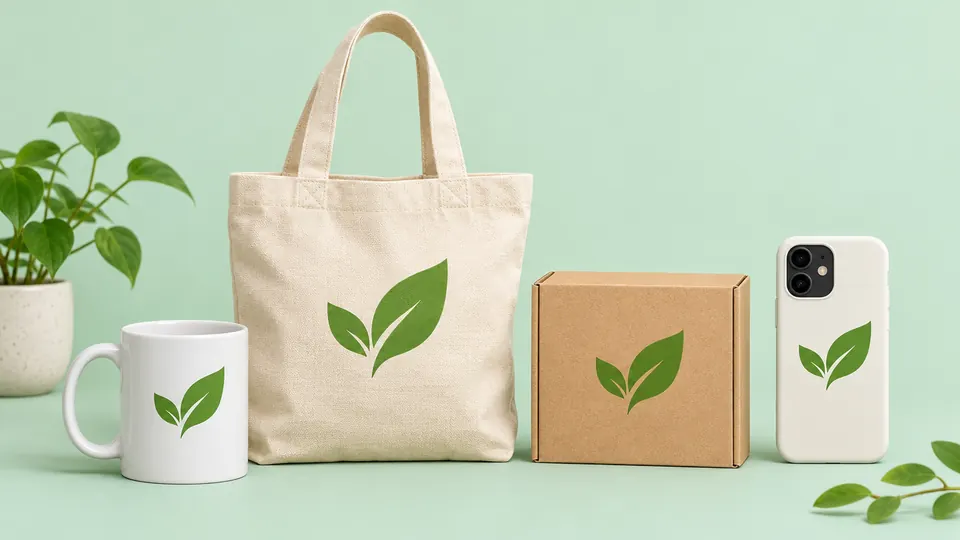
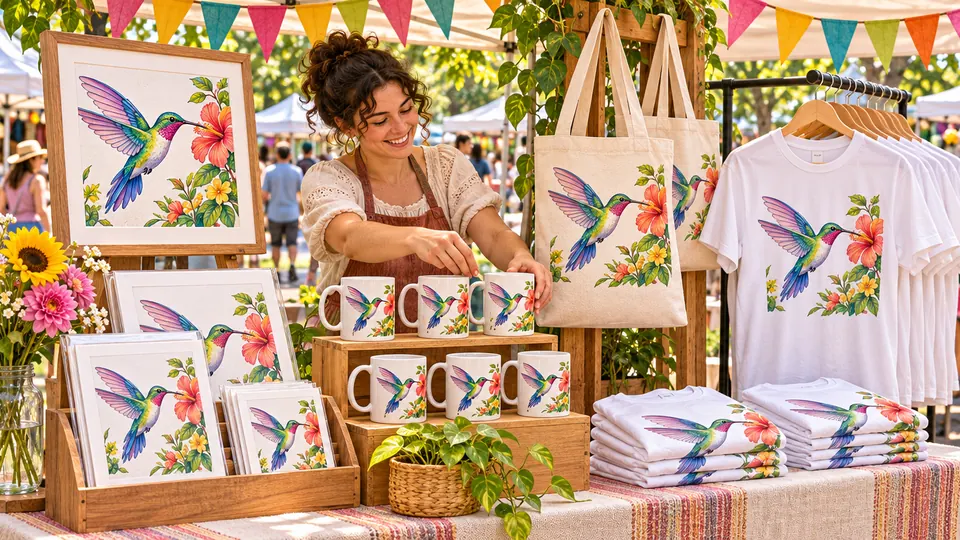
Leaf logo on a tote, mug, box and phone case

Logo Mockups on everyday items

Before you order a print run, see the logo where customers will meet it.

Upload the logo and say where it goes: a tote bag, a café cup sleeve, a delivery box or a storefront. Several mockups arrive at once, each following the perspective, curve and light of its surface.

Add them to a pitch deck or product page and get a yes before anything is made.

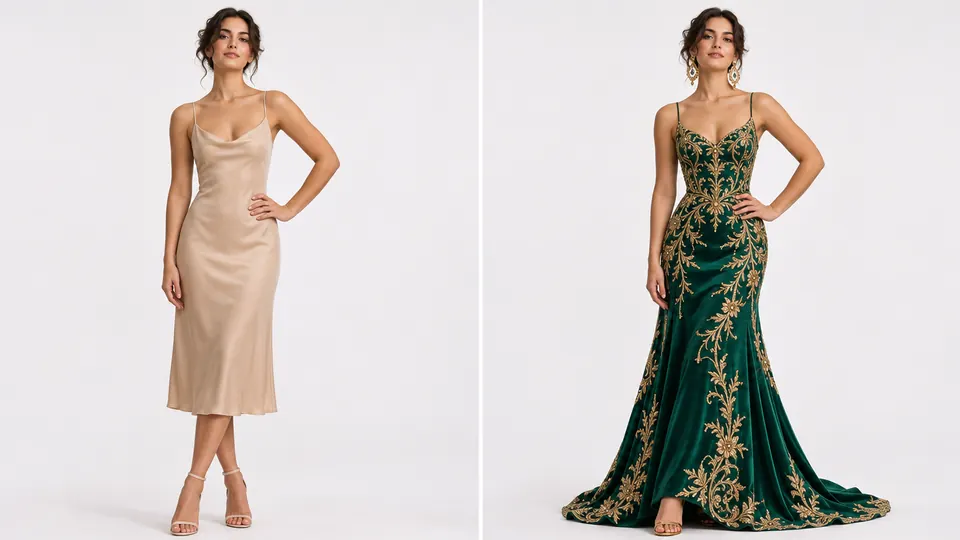
Woman in a beige dress, then a green gown

Outfit Change, same face

Show the person in your photo wearing the jacket, dress or suit from another picture.

Select the person in the editor, add a photo of the garment and a short note about the result you want. The face, figure and pose stay the same, and so do the cut, fabric and pattern of the clothes.

A fashion store can put a new collection on one model photo, and a stylist can send a client three looks before the fitting.

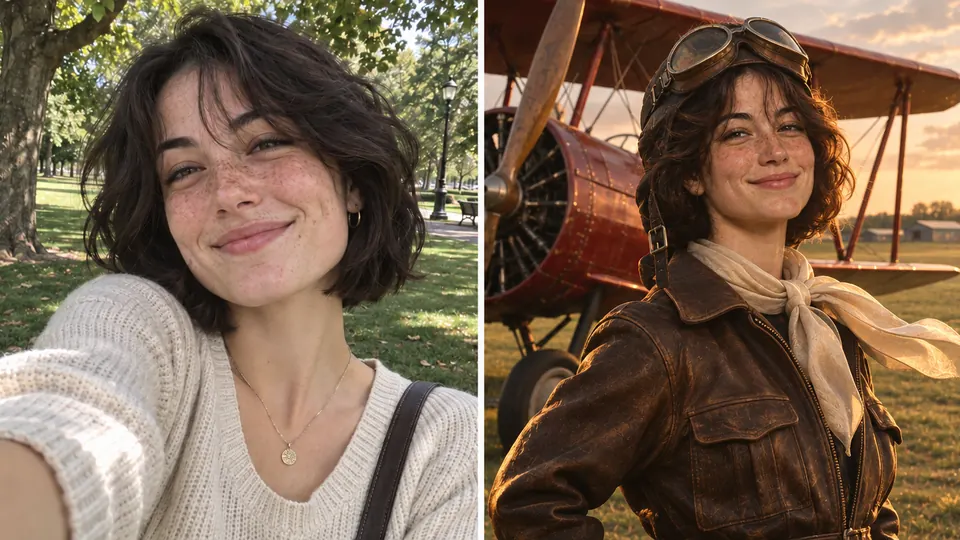
Selfie, then a pilot portrait by an old plane

Portraits from Your Photo

One selfie can put you in the cockpit of an old plane, in a painter's studio or in a photo from a hundred years ago.

Upload a picture of a person and describe the style, place, light and outfit you want.

Keep the portrait you like best, and use other people's photos only with their consent.

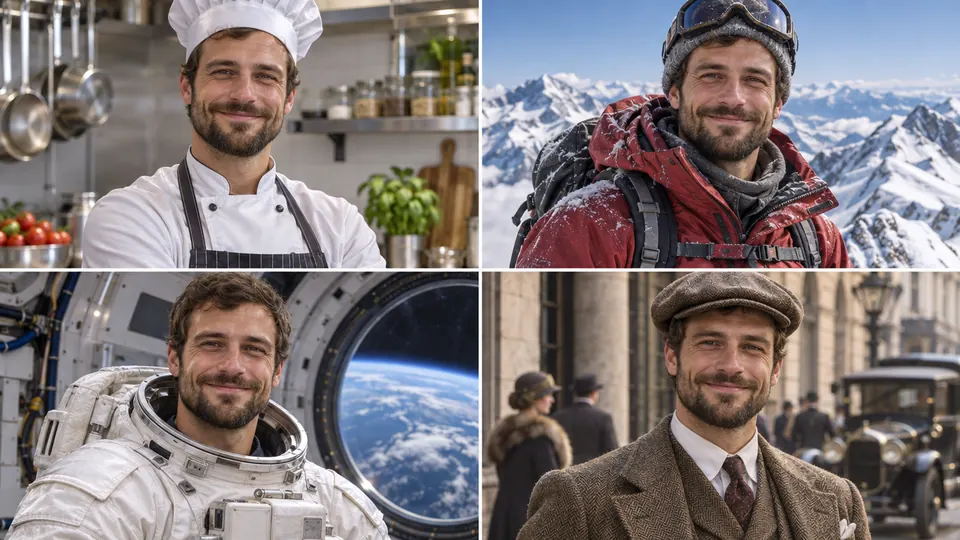
One man as a chef, climber and astronaut

Realistic Photos of You

Upload photos of one person (you, or someone who agreed), pick the gender and how close the likeness should be, then describe the scene: a chef at work, a climber on a ridge, an astronaut in orbit.

You get photorealistic pictures of that same person: a new headshot for your CV, a costume for a party invitation, or a scene you could never stage for real.

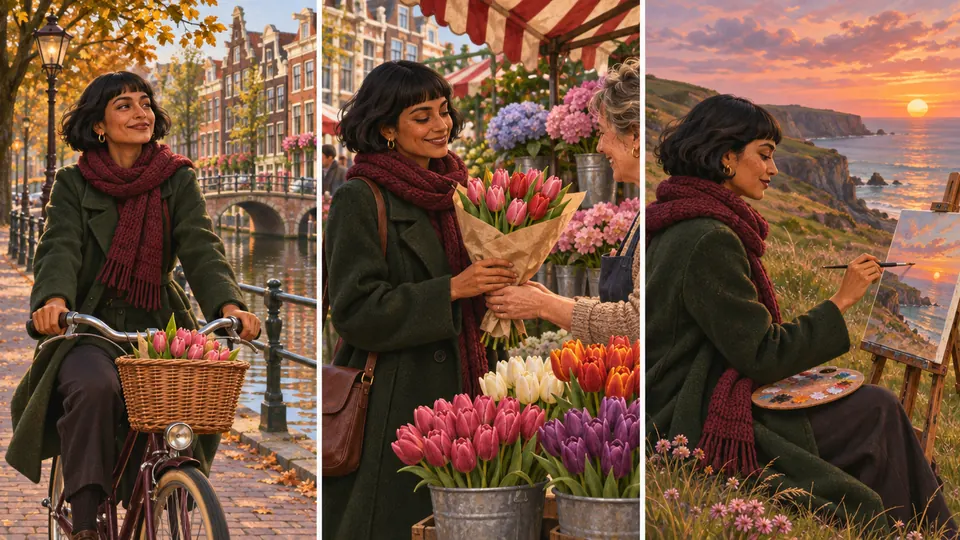
Same woman cycling, buying tulips, painting

Consistent Characters

Give a character one face and one outfit, then send it into as many scenes as the story needs.

Upload a 3D, 2D or illustrated character and describe the next scene. The face, proportions, hair, outfit, colors and style stay put while the pose and backdrop change. A character sheet with front, side and back views plus two expressions helps you keep it that way.

In the picture, one woman keeps the same face and scarf while cycling, buying tulips and painting.

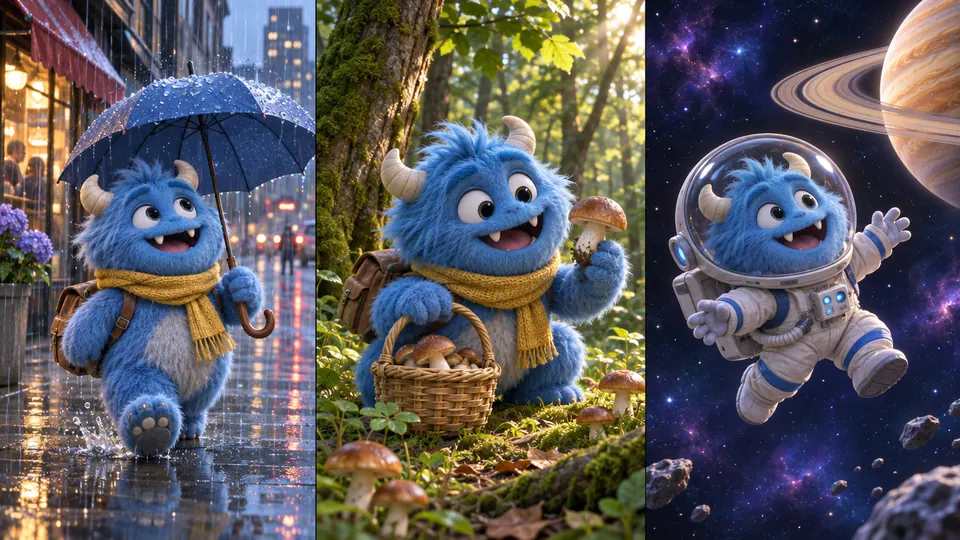
Blue mascot in rain, forest and outer space

Character in a New Scene, right in the editor

A rainy street, a mushroom forest, outer space: one blue mascot, three settings, as pictured here.

In the editor, select your character and write where it is and what it's doing, say “reading a book in a café.” Face, hair, outfit and printed details come along unchanged.

Make a whole week of posts with the same mascot.

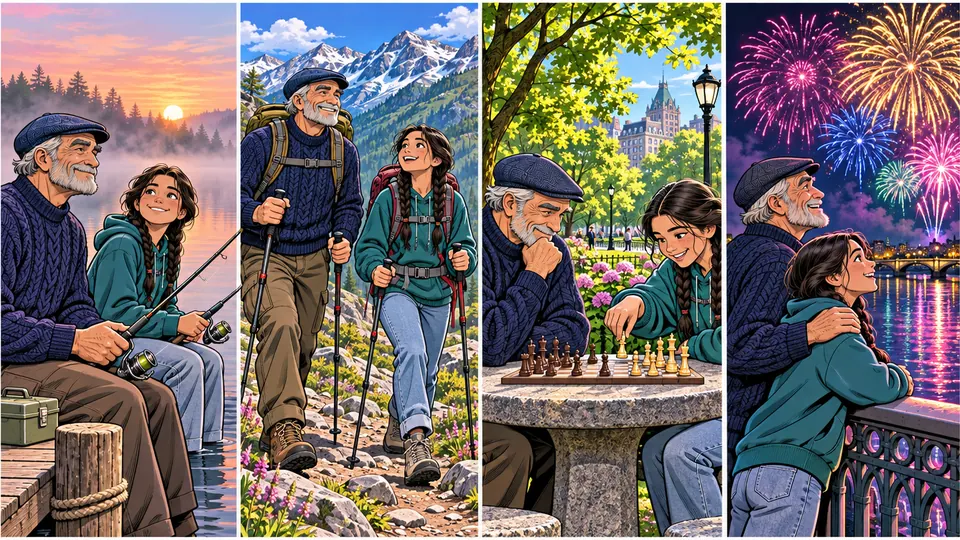
Grandpa and girl together in four scenes

Two Characters, One Scene

Put two of your characters in the same picture and let them interact.

Upload both, describe the moment, and get several versions at once. Each character keeps its own face, hair, outfit, colors and style. Book Studio can even build a whole book around the pair.

Grandpa and granddaughter can fish, hike and play chess together and stay themselves in every frame.

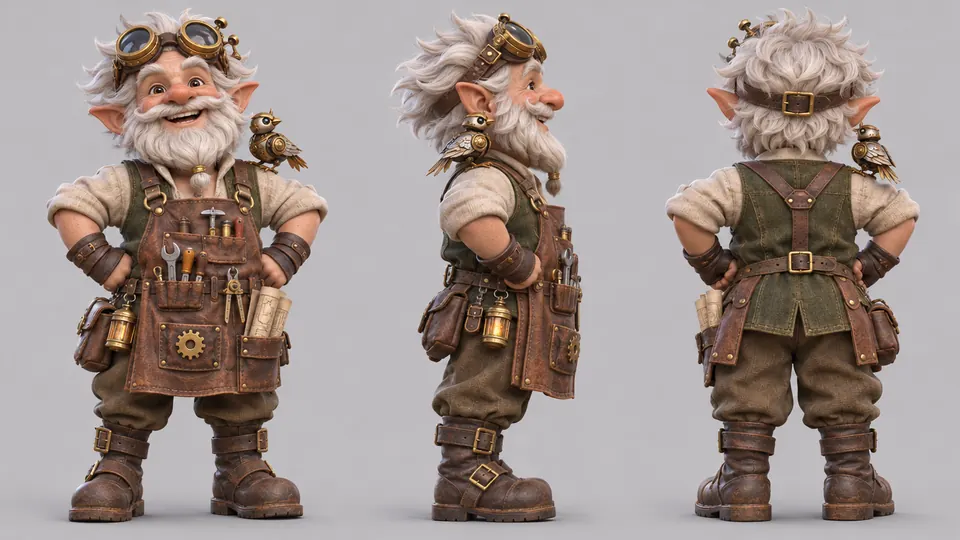
Steampunk gnome shown from front, side, back

Character from Text

Describe a hero, say a 16-year-old with a sword and shield, choose a style (doodle, comic, vector, 3D animation, manga or flat) and decide how many versions you want. You get the full figure on a clean background, ready for a book page or as the starting point for Consistent Characters.

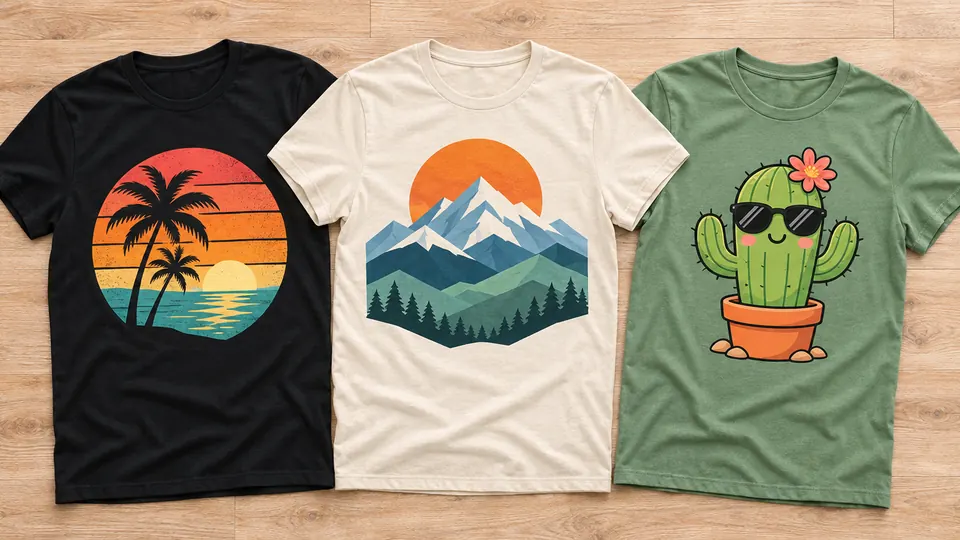
Three printed tees: palms, peaks and cactus

T-Shirt Graphics

Describe the idea, pick a category (typography, vintage, funny, animals, sports, holiday and more), an audience and the number of designs. Each one is a flat, print-ready vector on white.

Lettering comes out spelled right, so a slogan tee needs no retouching. Preview each design on a shirt with Merch Mockups and on a person with Outfit Change before you upload it anywhere.

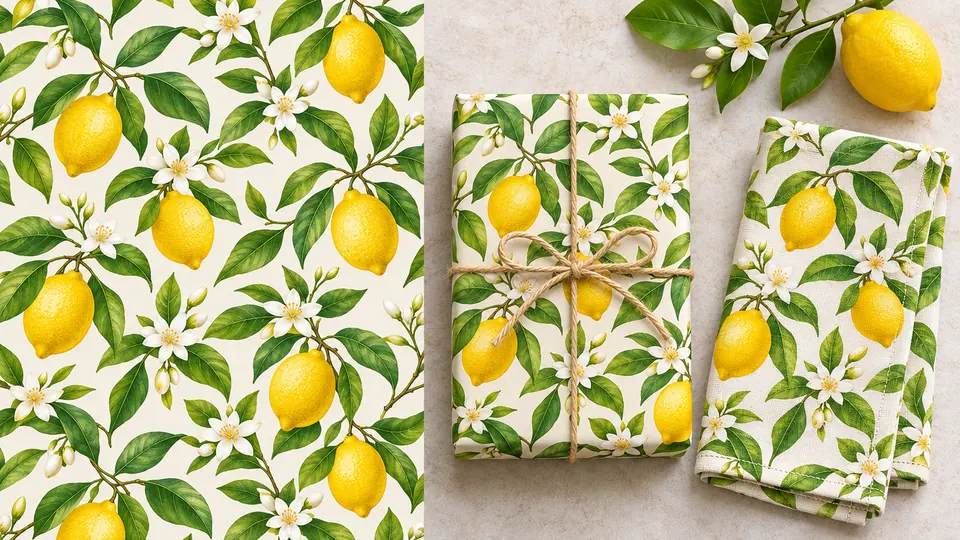
Lemon pattern on gift wrap and a napkin

Repeat Patterns without seams

Lemons with blossoms, tiny rockets, folk flowers: describe a motif and get a tile that repeats in every direction without a visible seam.

Switch to V2 when you want a dense textile print at an even scale, with no empty gaps.

Upscale it 2× or 4×, or use the 300 DPI mode, then print it on a scarf, line a gift box or cover a notebook.

Build a matching set of prints for a whole new collection.

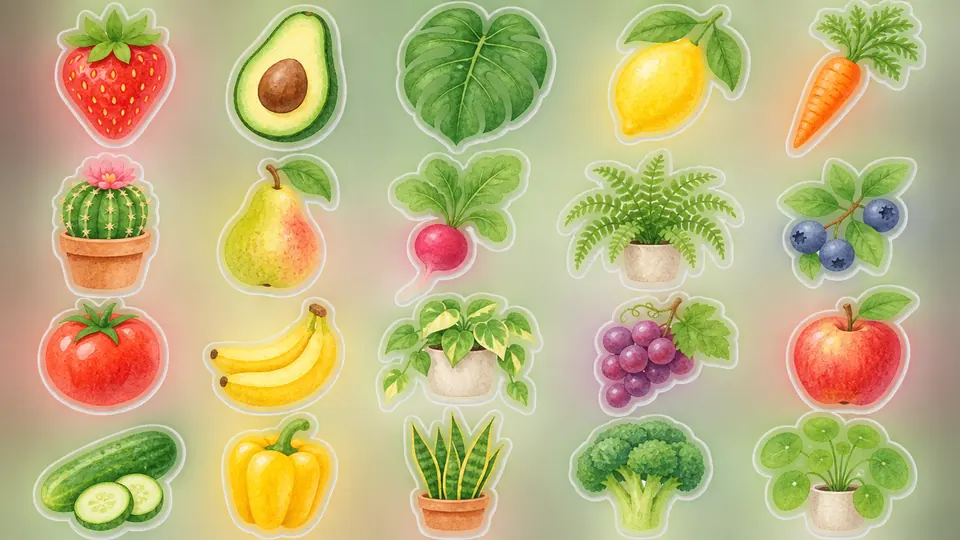
Watercolor stickers of fruit, veg and plants

Clipart Sets that match

Name a theme and AI suggests ideas and prompts you can edit, then draws the set as separate graphics with clear outlines and flat colors. Pick the style and quantity, then remove backgrounds or upscale the set with Batch Processing. Fill a planner insert, a party kit or a classroom chart with graphics that match.

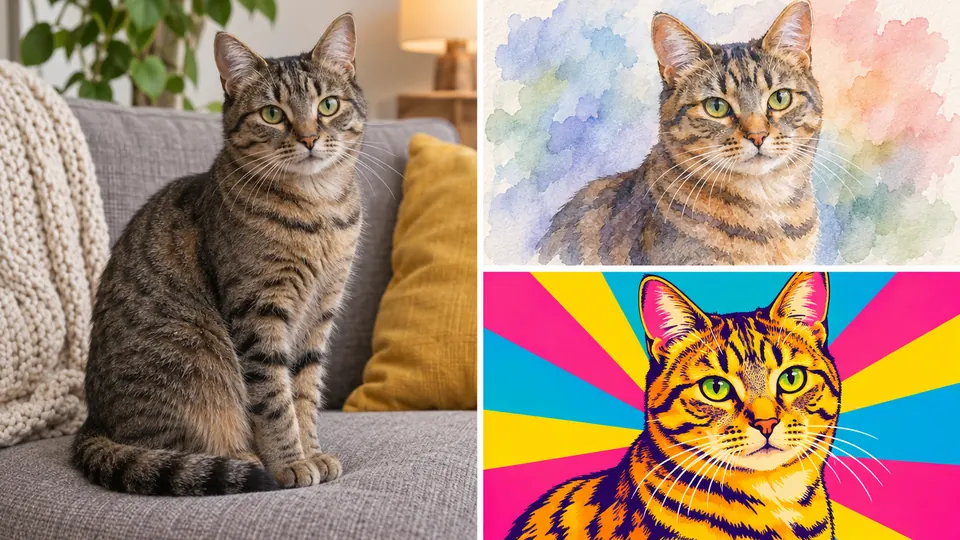
Cat photo, watercolor and pop-art portraits

Pet Art Portraits in costume

A pirate cat, a samurai pug, a royal rabbit: upload one or two photos of your pet and pick a costume. The 300 DPI mode and 2× or 4× upscaling keep every whisker sharp, even on a big print.

Rather skip the costume? Choose one of 10 styles instead, from clay and origami to pop art.

Unlimited projects,
one payment

No subscription, no monthly bills, no end date

Open a project for every client, product or idea; the count never runs out and no bill comes back next month.

Keep what you earn

Your license covers paid work

Invoice a client for a logo, sell a print or put a design on your own products: 100% of that money is yours and we never take a cut.

Your new toolkit is one payment away

No subscription, no end date

Start creating

30-day money-back guarantee

  • No subscription
  • Updates included
  • HD files, no watermark
  • Runs in your browser onmacOS
  • Runs in your browser onWindows
  • Runs in your browser onChromeOS

Spend less on visuals, earn more from them

Bills you can stop paying for visuals

  • Product
    photo shoots

    One packshot gets a new scene for every season,
    with no reshoot.

  • Agency fees
    for a brand kit

    Your logo, colors and patterns come from your own desk.

  • Credits
    for every image

    One payment covers every image you make, with no credits to top up.

  • Sample runs
    that never sell

    See a design on a shirt and a person, then print only what people ask for.

  • Cutout
    retouching

    One click lifts the product off a busy background with clean edges.

  • Paying for
    each revision

    A new color, crop or headline no longer brings another invoice.

  • Stock licenses

    Stop licensing the stock photo your competitors also use.

Who pays you for the images you make

  • Children's
    books for sale

    Publish the picture books you make; the commercial license covers selling them.

  • Pattern packs

    Sell repeat patterns as a matching collection for fabric, gift wrap and notebooks; the 300 DPI mode keeps them sharp in print.

  • Printable
    bundles

    Sell coloring pages and puzzles as downloads.

  • Merch with
    no inventory

    A print partner puts your design on hoodies or totes only after someone orders.

  • Photos for
    local shops

    Turn one packshot into seasonal scenes and bill the shop for them.

  • Your own
    web shop

    Put your designs on your own products and sell them online.

  • Content
    packages

    Plan a month of posts for a local business and bill it as a package.

Pictures that do a job for your business

Market your business
with visuals you made yourself

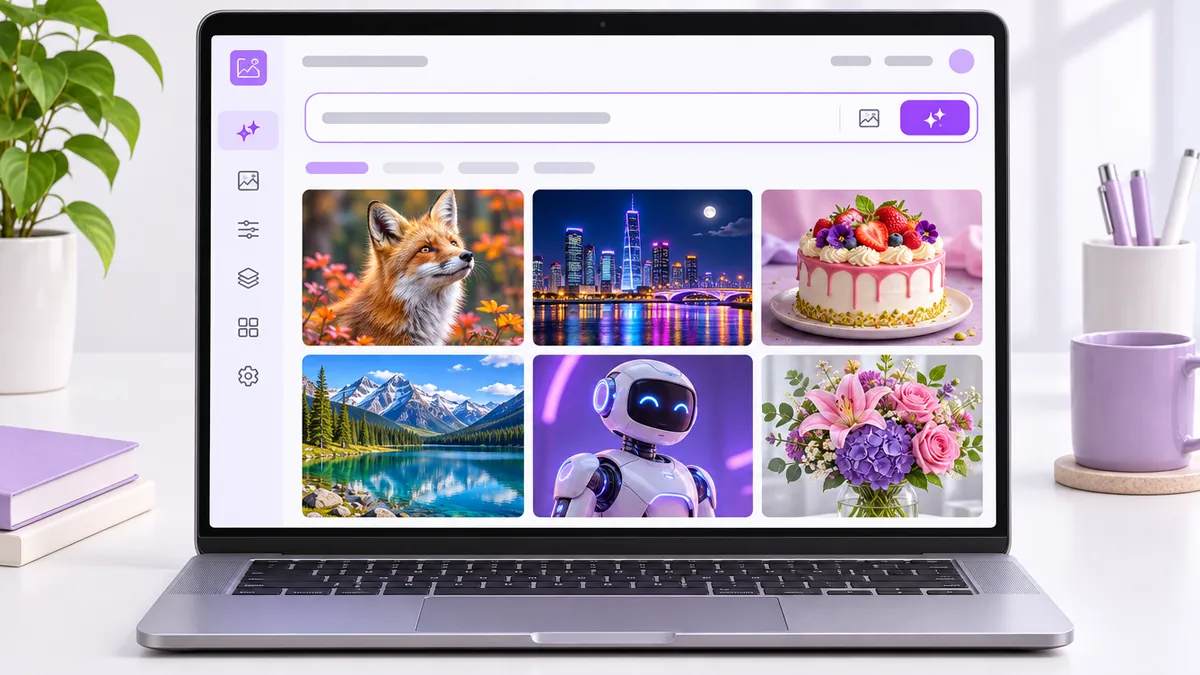
Take a look inside the app

Unlimited AI Images app preview

Where your AI designs can go to work

  • Shop listings

    A fresh product scene for every season, sale and collection.

  • Brand kit

    A logo with matching colors and patterns for your sign and packaging.

  • Classroom

    Puzzles, coloring pages and worksheets printed for tomorrow's lesson.

  • Social posts

    A whole week of posts starring the same mascot, in your brand's look.

  • Invites & flyers

    An invitation to your opening, a workshop flyer, a countdown to the big day.

  • Wall prints

    Pet portraits and posters for a living room, a nursery or a birthday.

  • Ads and offers

    Try three headlines on one visual and keep the ad that sells.

  • Website & blog

    A homepage banner, blog headers and an About-page photo that share one look.

  • Planners & kits

    Matching clipart for planner inserts, sticker sheets and party kits.

Every channel covered, for one payment

One payment, access that stays

Claim your access

30-day money-back guarantee

  • Client work allowed
  • Runs in a browser
  • One-time payment
  • Runs in your browser onmacOS
  • Runs in your browser onWindows
  • Runs in your browser onChromeOS

Pay once.

Start today.

30-day money-back guarantee

Your sign-in link arrives by email right after payment.

Every tool in your plan stays yours with no end date. There's no subscription and no monthly bill, and nothing is hidden in the price.

Changed your mind within 30 days? Email us and we refund it all.

This month's discount ends when the month does, and checkout applies the code for you.
Pick your plan below.

Two plans side by side

login emailed at once

Commercial plan

  • Image Generator: text to image
  • Photorealistic Images
  • Extend Prompt, by hand or automatically
  • Logo Design
  • T-Shirt Graphics
  • Coloring Pages from Text
  • Design from Inspiration
  • Select & Replace with a brush
  • New Background from a description or photo
  • Remove Background in one click
  • Frame Extender to 1:1, 16:9 and more
  • Image Upscaling 2× with sharper detail
  • Visual Editor with 56 templates
  • Merch Mockups on tees, mugs and bags
  • Saved work in My Projects, ideas in the Community Gallery
  • Commercial license
  • HD files without watermarks
  • Updates included
  • 30-day money-back guarantee

Pay €49 once with this month's code
and keep the commercial license for good

Unlock Commercial

30-day money-back guarantee

  • Commercial license
  • No install
  • Instant login
  • Runs in your browser onmacOS
  • Runs in your browser onWindows
  • Runs in your browser onChromeOS

Premium plan

  • All Commercial plan tools
  • On top, only in Premium:
  • Premium: Typo-Free Lettering
  • Premium: 80+ Illustration Styles
  • Premium: Video Thumbnails
  • Premium: Picture Books About Your Child
  • Premium: Story Book from One Sentence
  • Premium: Illustrate Your Story
  • Premium: Books in Many Languages
  • Premium: Puzzles & Activity Books
  • Premium: Photo Coloring Sheets
  • Premium: Book Cover Design
  • Premium: Print-Ready Book Export
  • Premium: Style Transfer
  • Premium: Photo in a New Style
  • Premium: Edit by Description
  • Premium: Product on a Model
  • Premium: Logo Mockups
  • Premium: Outfit Change
  • Premium: Portraits from Your Photo
  • Premium: Realistic Photos of You
  • Premium: Consistent Characters
  • Premium: Character in a New Scene
  • Premium: Two Characters, One Scene
  • Premium: Character from Text
  • Premium: Repeat Patterns
  • Premium: Clipart Sets
  • Premium: Pet Art Portraits
  • Premium: 4 images from one description
  • Premium: 4 jobs running side by side
  • Licensed for business and client work
  • Every future update at no charge
  • Projects without a cap
  • 30-day money-back guarantee

Pay €147 once with this month's code
and unlock the whole app with Premium

Unlock Premium

30-day money-back guarantee

  • Every Premium tool works from your first login
    The price you see is the whole price
  • Runs in your browser onmacOS
  • Runs in your browser onWindows
  • Runs in your browser onChromeOS

Your questions, answered

Image tools grouped by the job you need done, all in your browser. To create: the Image Generator, Typo-Free Lettering, Logo Design and Illustration Styles.

To edit photos: Select & Replace, New Background, Remove Background, Frame Extender, Image Upscaling and Text Replacement. To sell products: Product Scene Photos, Product on a Model and Logo Mockups.

On top of that come tools for characters and portraits, Book Studio for children's books, and T-Shirt Graphics, Repeat Patterns and Clipart Sets for print and merch.

The price table shows which of them come with each plan.

All set? Get full access with one payment

Pay once, keep your access

Get full access

30-day money-back guarantee

  • Instant sign-in
  • No project cap
  • Updates at no charge
  • Runs in your browser onmacOS
  • Runs in your browser onWindows
  • Runs in your browser onChromeOS